
For those who prefer the TL;DR, here's the product experience link: https://cloud.moneynew.net
The Beginning
In my view, a complete SaaS product should include a landing page, documentation page, podcast page, and product page. Since I started working in 2019, I've always believed this was exclusive to software teams, belonging solely to internet industrial products. To collect these four dragon balls would require a team of at least 5 people, spending months on development, preparing PRDs and various documents, communicating, and aligning through meetings, before the original initiator (the "boss" in conventional terms) would be satisfied with the layout and approve the release to users.
Now, through the right AI tools (I'll introduce the methodology later), using spare time, you can transform an initial idea from prototype to a small product within a month. For me, this is both a completely new experience and an extreme exploration of vibe coding. But more importantly, I got a glimpse of how AI unlocks the potential of an ordinary person's abilities and ideas. I can do it, and so can you. Let "this requirement can't be done" become historical garbage once and for all.
Product Page Demo:
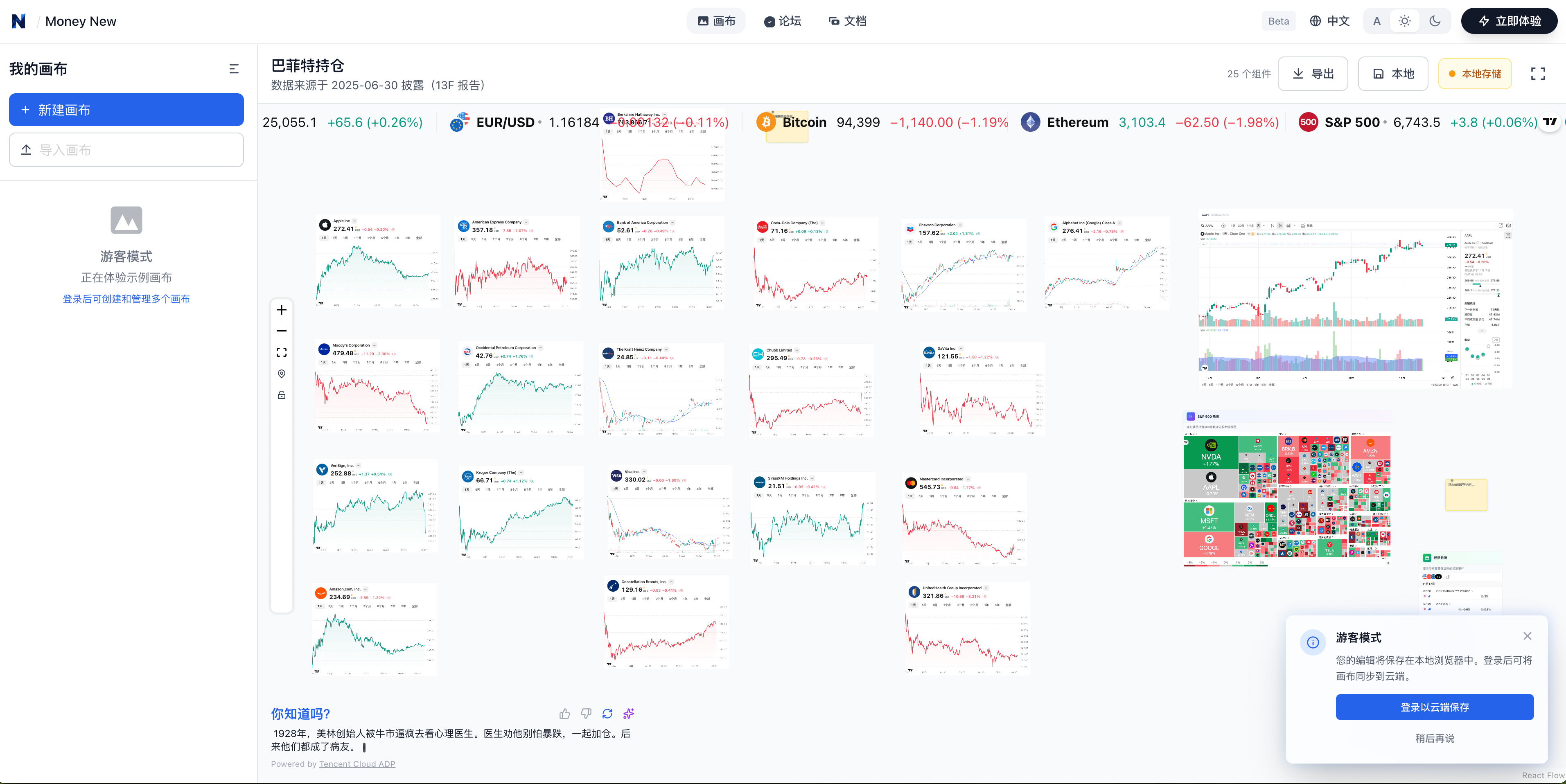
In one sentence, you can view the trends of US stocks, cryptocurrencies, and foreign exchange all on a single canvas. You can even draw lines on the canvas and use the calendar component to check the latest economic data releases. For example, you can intuitively see Buffett's holdings and the historical trend of each stock in his portfolio.
Landing Page:
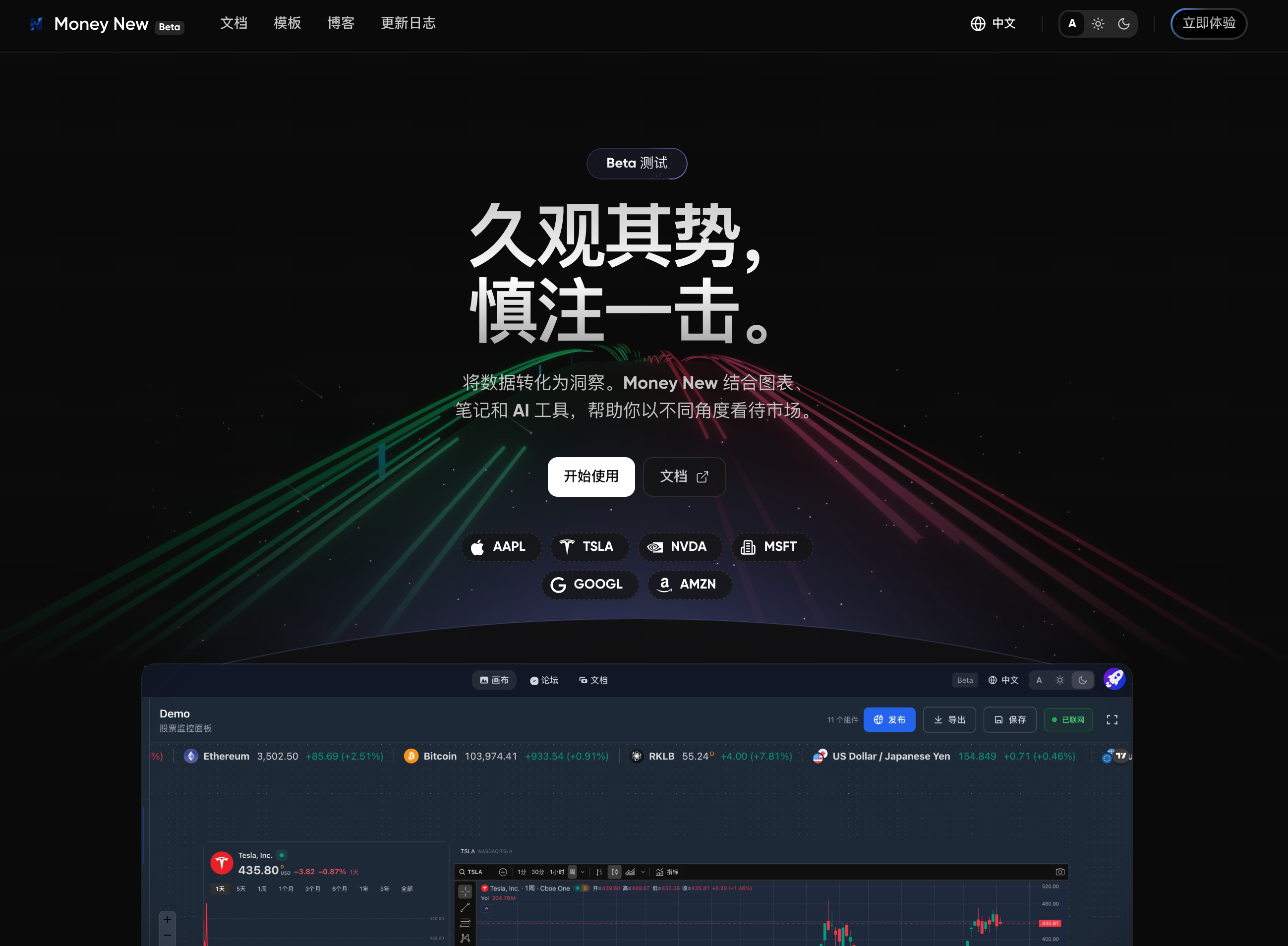
Design concept: Simulating stock K-line trends, declaring that this product is a data visualization panel to help you clarify the value within. Through learning and refinement, people can become smarter.
Documentation Page:
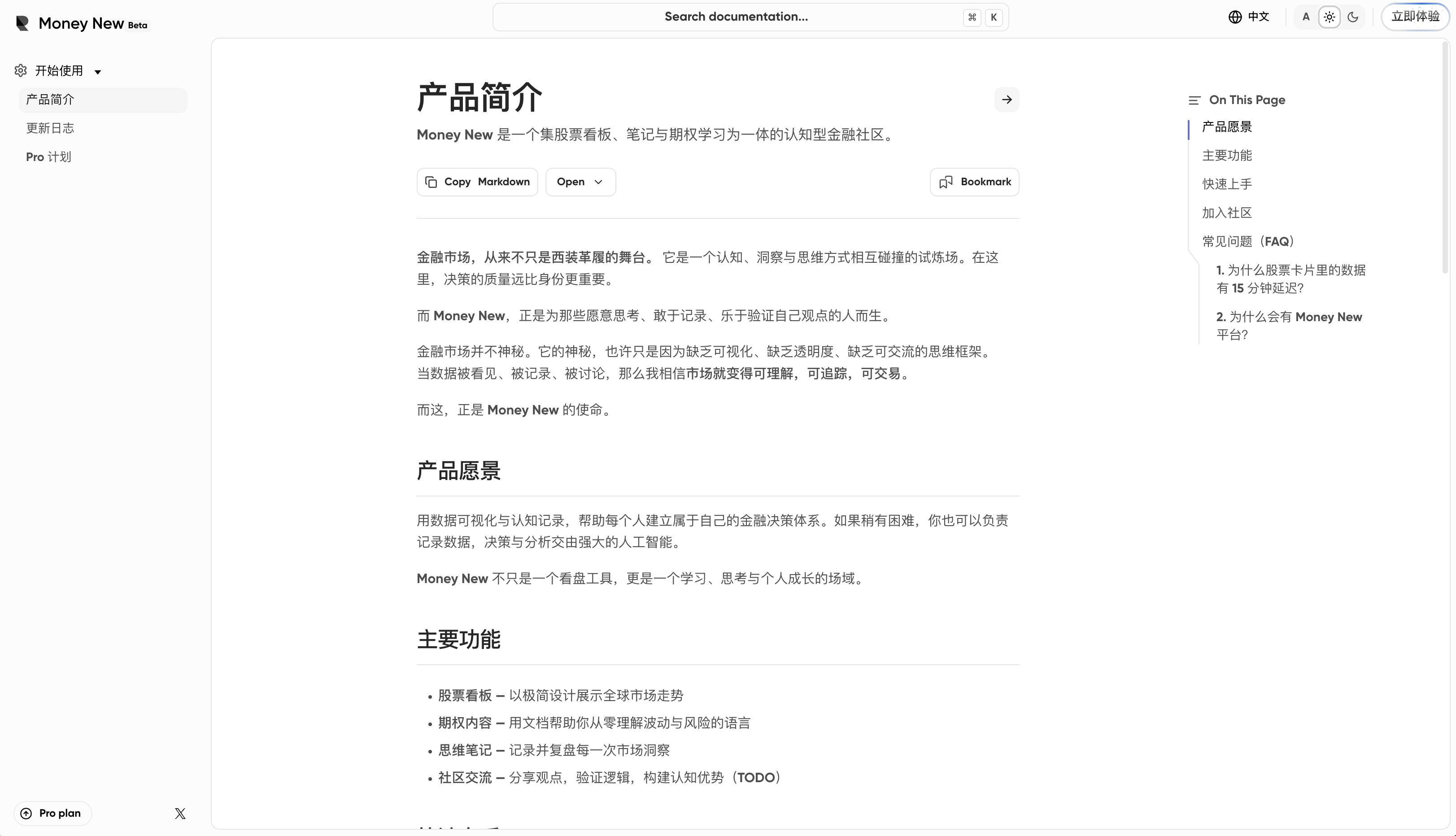
A documentation framework I'm very satisfied with. Powered by fumadocs at its core, it can display rich content. In the future, it may integrate stock cards with the product to help people learn about finance and efficiently visualize data.
Blog Page:
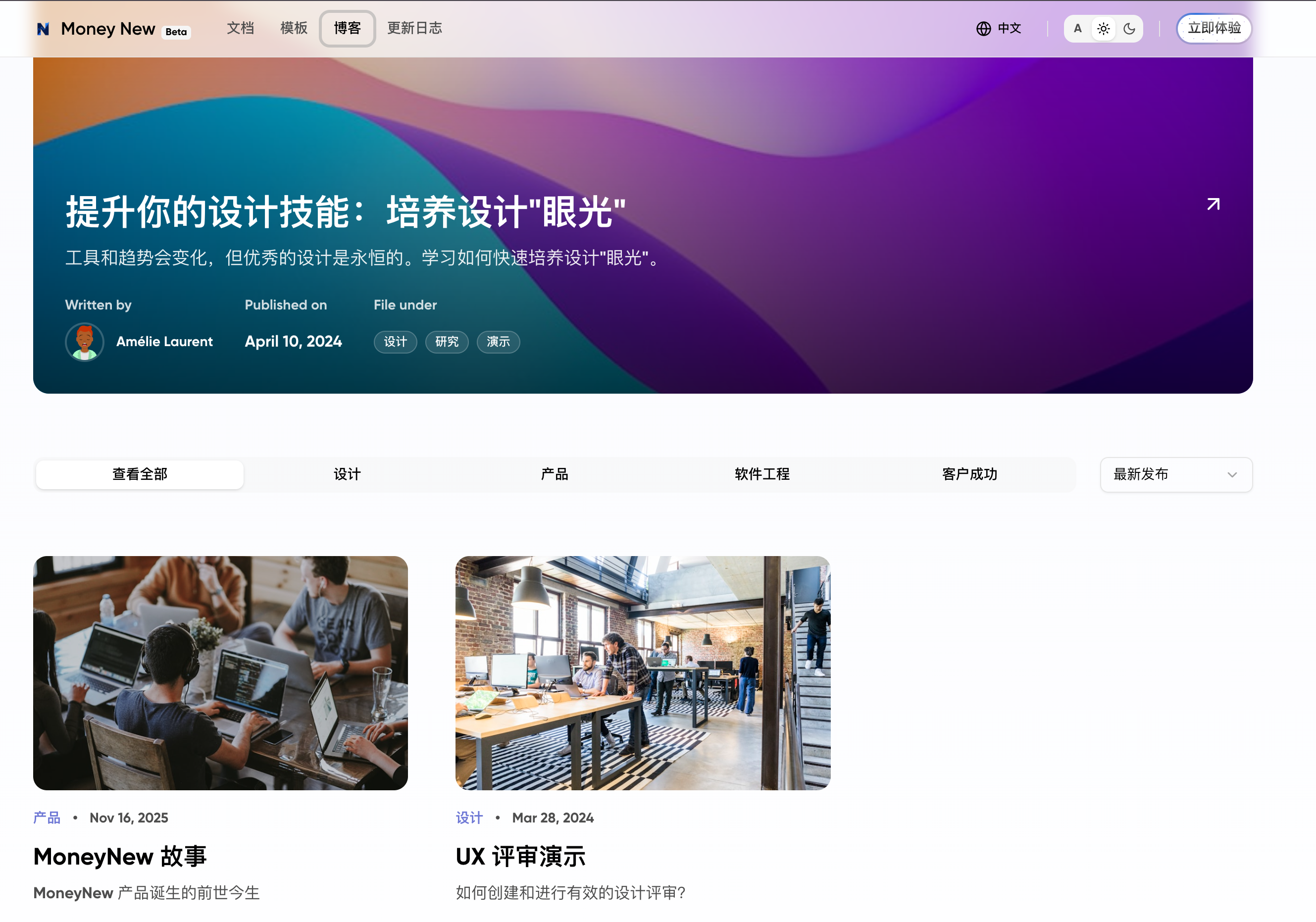
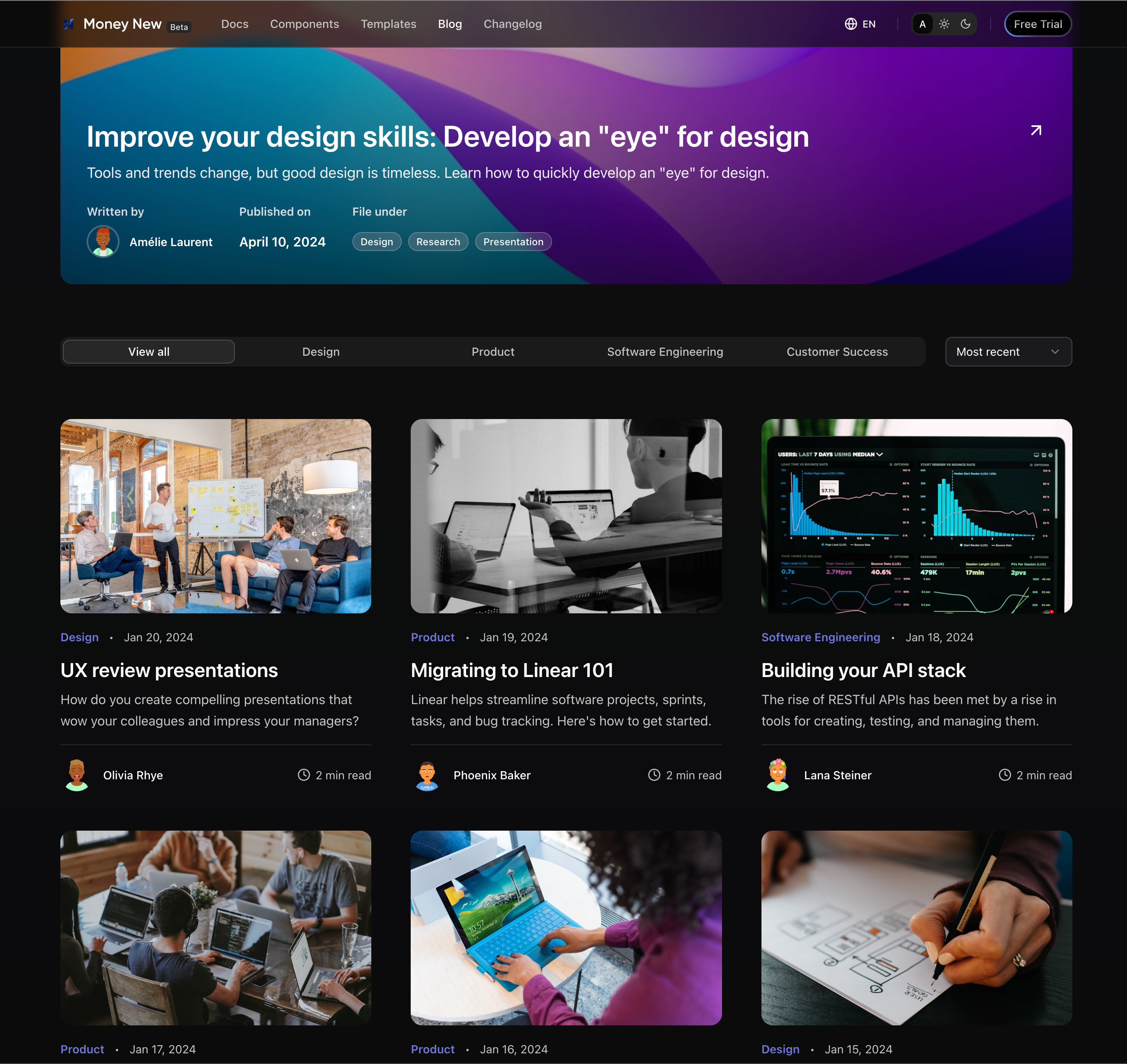
Another style I'm very, very satisfied with. Also based on fumadocs, it has powerful content display capabilities while maintaining an excellent overall aesthetic.
Why Build Such a Product?
Why spend energy and time fiddling with and maintaining all this? Because I want to compete in the company's Agent competition, I want to join hackathons, I want to win money💰.
Actually, the initial idea was simple. If you want to maintain an AI product's open-source community, not understanding developer needs is absolutely unacceptable. The logic for doing this well is simple: become a developer yourself, experience the latest AI tools, practice the newest methodologies, and discuss with developers what their needs are.
So how to learn? Taking courses is out of the question. There are so many resources on the internet, technical problems can be completely solved through search engines and AI. Of course, you can't learn human nature and business models that way—those require practice and hands-on experience. But the atmosphere of everyone studying together in class is very important, so how to solve this? Just attend more offline Meetups.
I participated in an event called "Crazy Saturday," which basically organizes a group of tech enthusiasts together where everyone speaks freely and shares what they've done with AI. Some people shared Vibe Coding tips, and there were hands-on teaching sessions. One or two hours is enough to learn a small feature.
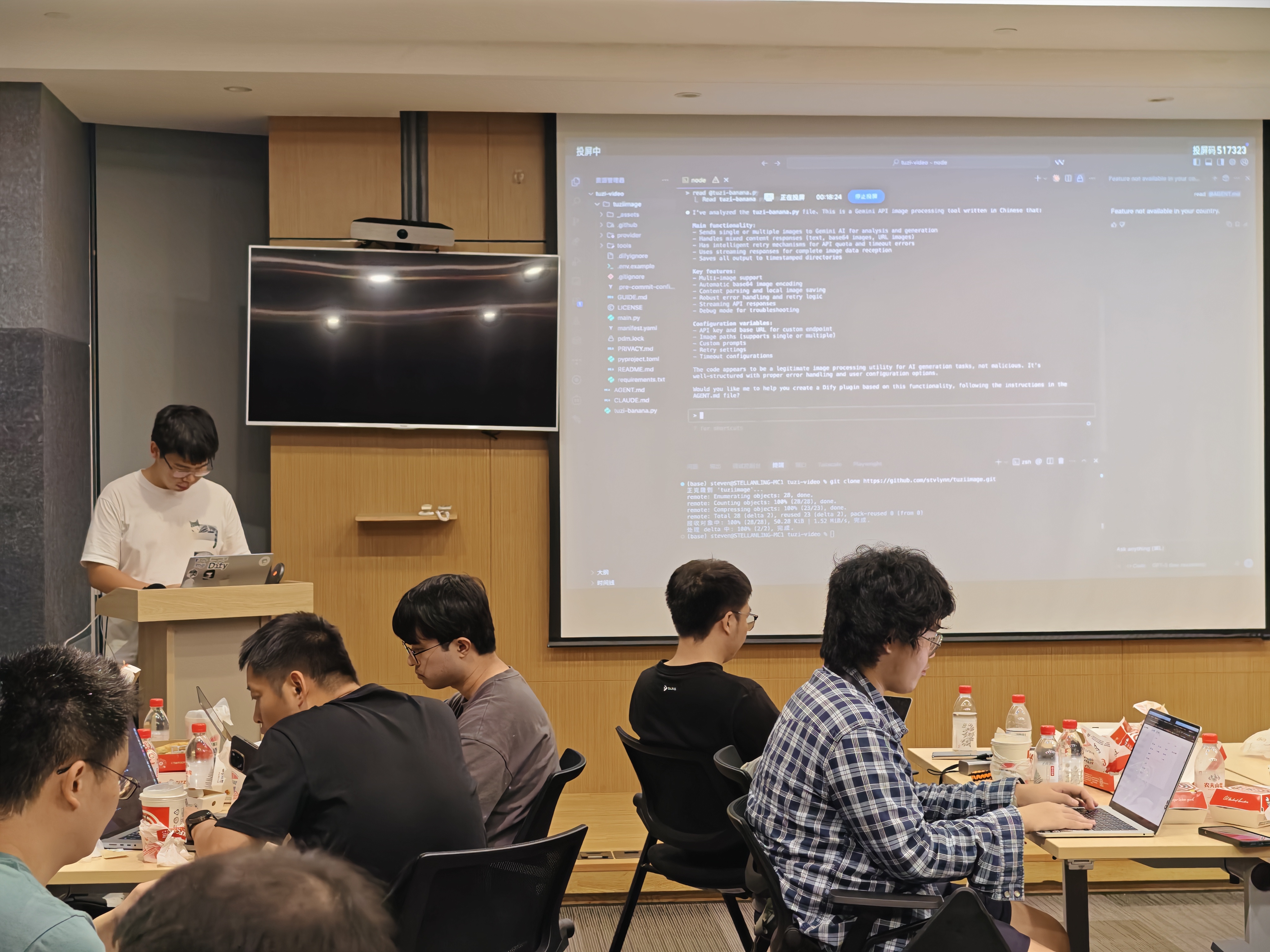
At that time, I was thinking that besides work needs, my biggest hobby is actually stock trading. And stock trading is something that heavily relies on charts and analysis. After all, the fastest learning method is the trapped learning method. There are also many data visualization needs, and understanding options similarly requires a lot of quality content.
I saw that most of the good content is practical videos made by skilled bloggers, or books that have been tested by history. The demand definitely exists, but I'm not sure how much. So that evening, I joined everyone in using v0 to create the most primitive product demo page.
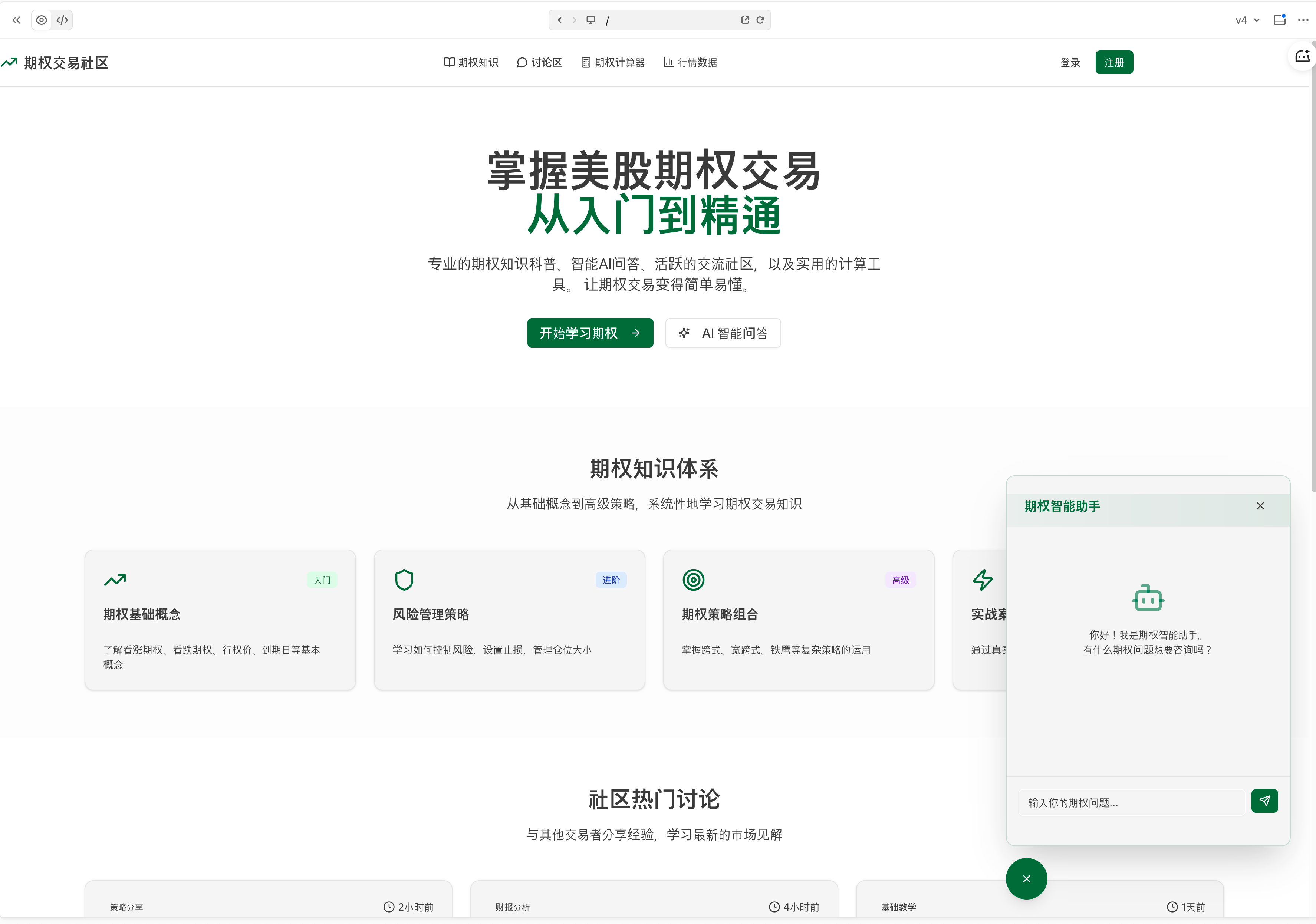
I must admit I was pleasantly surprised when the webpage first popped up, because it was really just one sentence, and AI had completed the functions reasonably well, and the division of functional areas I wanted was also complete. This gave me quite a bit of confidence at the time. If I could turn ideas into products, then all the thoughts and ideas from daily life could become concrete products!
Actually, I tried Cursor way back in 2023 and even promoted it internally at work, but it always felt laborious. The models at that time were still claude-3.0 and gpt-4 era. Although they could get work done, it still required quite a bit of manual debugging experience. After adjusting several versions and making a simple playwright automation script, I gave up. It was too damn difficult.
Later came the National Day holiday, finally a complete long vacation. At that time, I hit it off with a few friends—why not have a seaside vibe coding session. On the first day of the holiday, we were mainly traveling, and after settling down on the second day, I had plenty of time to think through product requirements and implementation logic. (Why does this sound so much like work, but these processes are unavoidable if you want to create something)

So I put myself in the perspective of an investor—what are my needs, and what are the solutions?
Thinking About the Product
I'm an investor who has encountered quite a few problems while investing. The main one is that when trading, I can only view one stock's trend at a time. Moreover, if I want to monitor both the underlying stock and options simultaneously, it's even harder. Whether on mobile or computer, as long as I'm looking at one asset, I can't get complete information. This is the most primitive pain point need.
1. Inconvenience of Monitoring and Information Overload
Solving personal monitoring troubles. If you use a broker to monitor stocks, especially when viewing multiple stocks' trends simultaneously, the configuration method is not intuitive. Most of the time, one panel can only display one stock. For example:
If I want to monitor two stocks simultaneously, it's often one large frame on the left, and then using a trading widget on the right to observe.
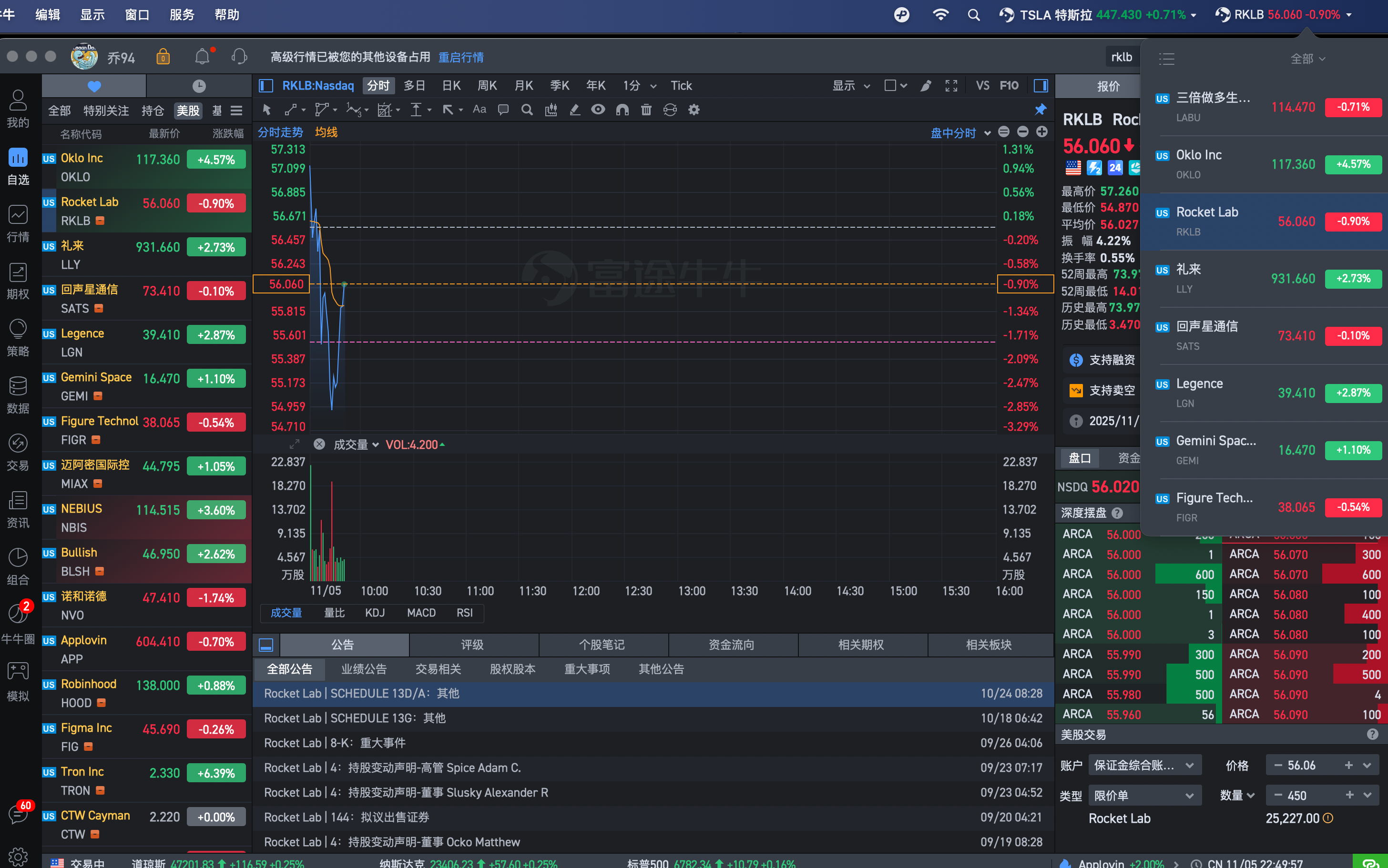
You might say brokers come with rich large-screen trading. It looks like this:
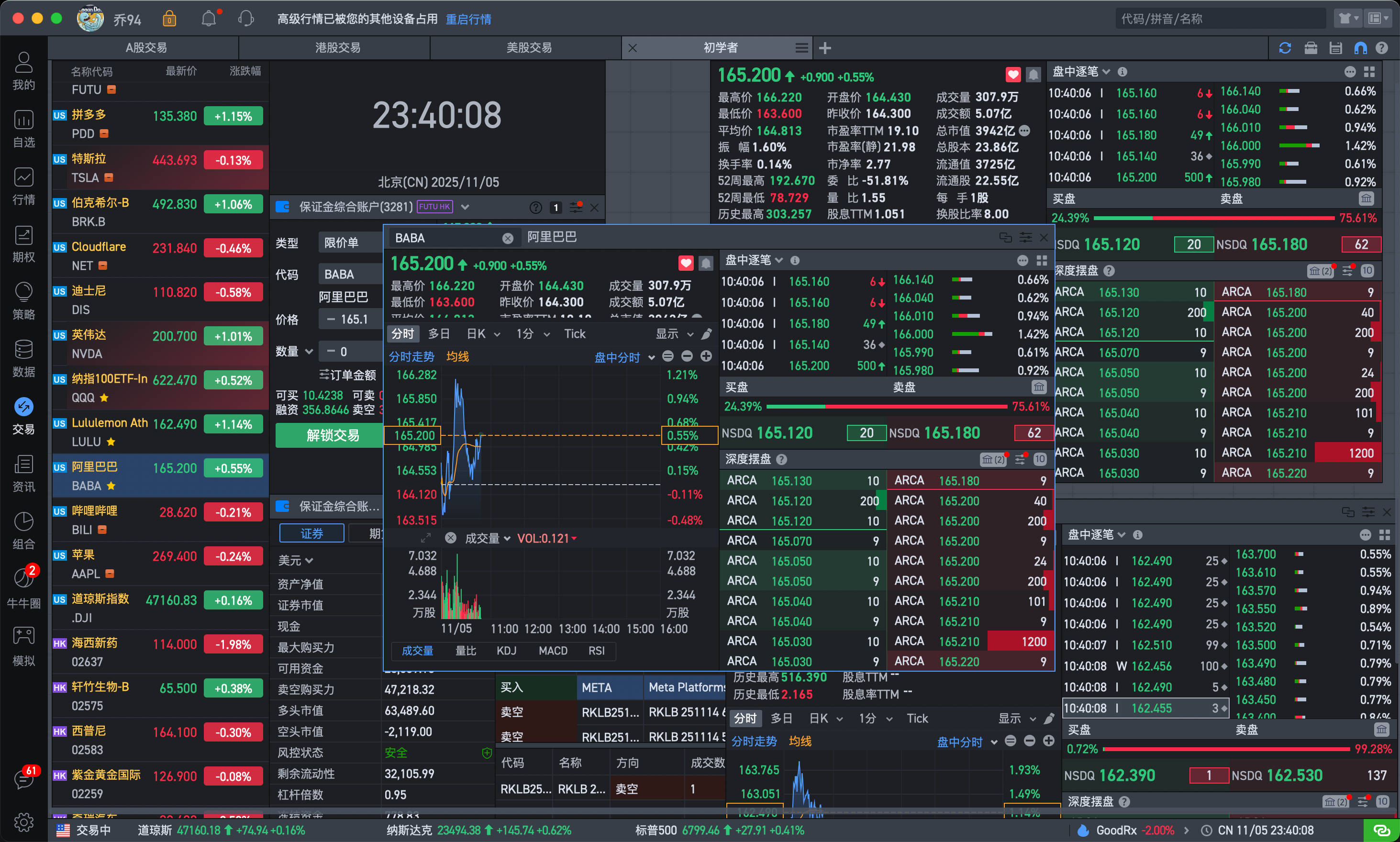
It's all about being dazzling. Although the data is very comprehensive, for someone like me who just wants to get basic market information, the information here is a bit too complex. You've probably seen even more exaggerated trader war rooms.
2. Stock Investment and Learning
Another aspect is the lack of a learning tool for investors. Investing is a performance art that places great emphasis on learning and reflection. Mature investors must have a logic chain that can be questioned when buying and selling.
Therefore, when trading, you're actually exposed to a large amount of information. This information can be an article or a screenshot. But it all comes down to one thing: you definitely need to view complete stock trend information—this is the anchor for your decision-making.
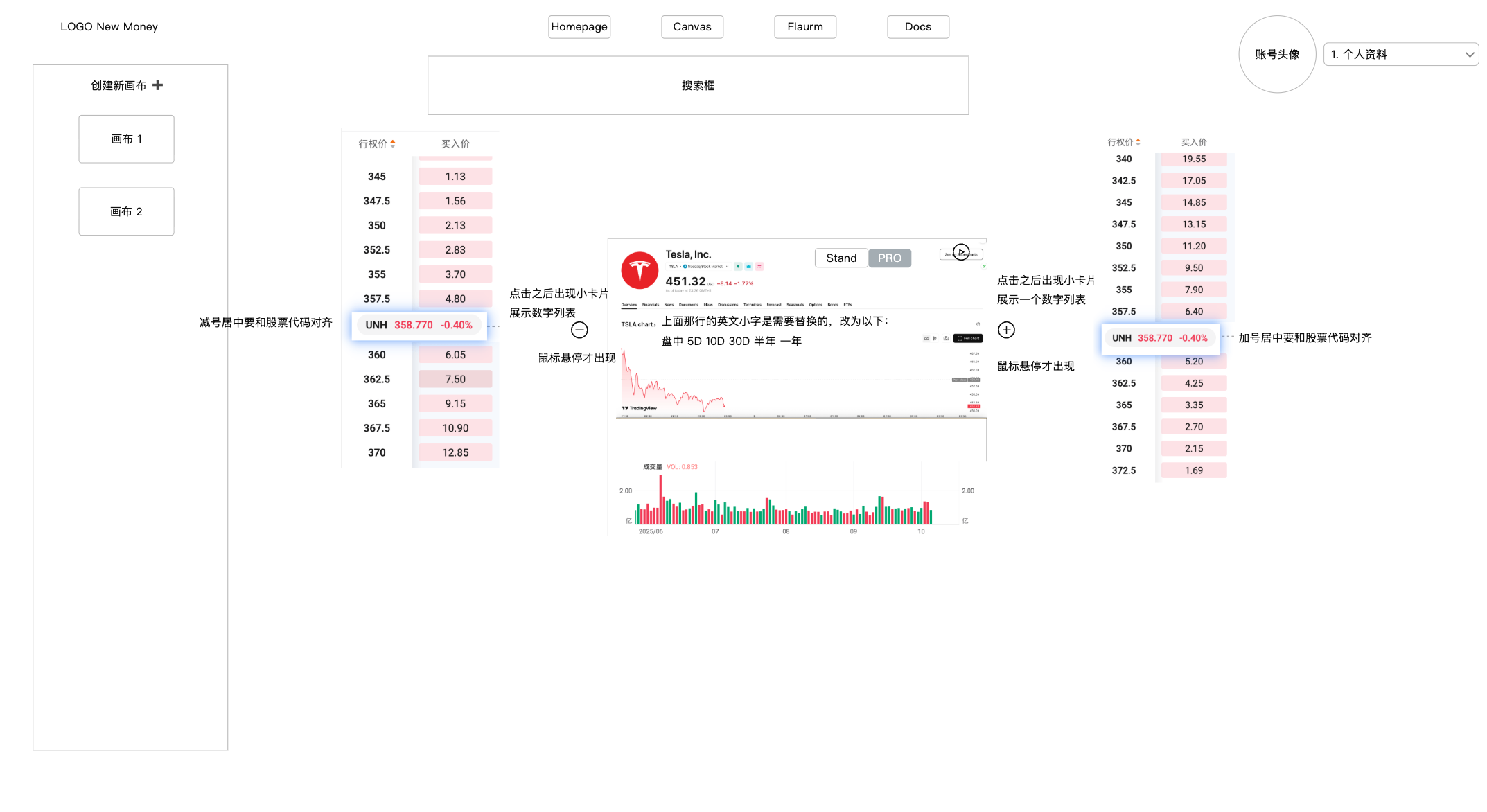
I derived an idea: information and notes should surround the stock card, tightly united around the sun!
Plus, information is very diverse—screenshots, PDFs, even videos or audio recordings. These fragmented materials, combined with a moment of enthusiasm, might bring you substantial returns. Traditional note-taking software can't really carry all this information, but a canvas can. Free dragging and dropping naturally forms unique arrangements and combinations of information knowledge. Language and DNA are both forms of arrangement and combination, and so is a canvas. Therefore, I had a rough product prototype concept:
3. Options Learning
I have to admit, just getting started with options concepts takes a very long time. I actually think the essence lies in how difficult it is for people to understand the corresponding relationships of numerical changes. Due to tool limitations, we can naturally only receive learning about functions, linear functions, and derivatives in the classroom.
In reality, these numbers have a dynamic connection. Investing is like walking a dog—sometimes the dog is in front, and the person walks faster. When the dog is behind, the person has to wait. The relationship between value and price is the same, with a mathematical relationship. In the dimension of time, they won't differ much.
Therefore, data visualization is actually a very good way to understand and perceive the world. And if you want to explain logical relationships clearly in a document, you must insert interactive stock cards into the document. For example, you need to explain price levels and operational actions, etc. The general style is similar to:
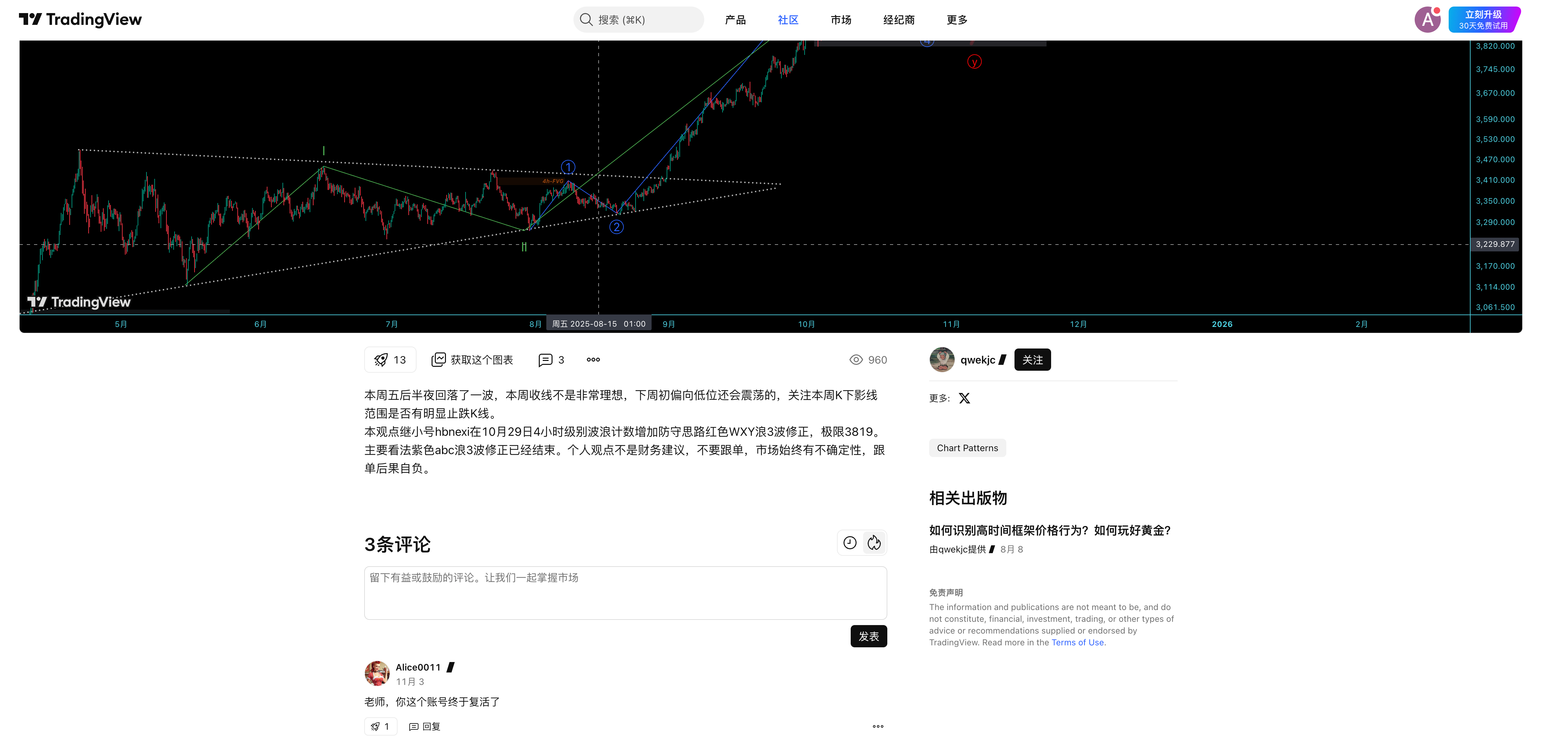
Conventional documentation products don't support this kind of card, but fortunately TradingView (hereinafter referred to as TV) has open-sourced a series of components, which provided tremendous convenience for my subsequent work. Here, TV deserves a big shout-out.
Of course, obtaining options data is more complex, and considering some interaction logic, for a side project, it's still quite time-consuming. Let's wait for another long holiday during Spring Festival to try it out.
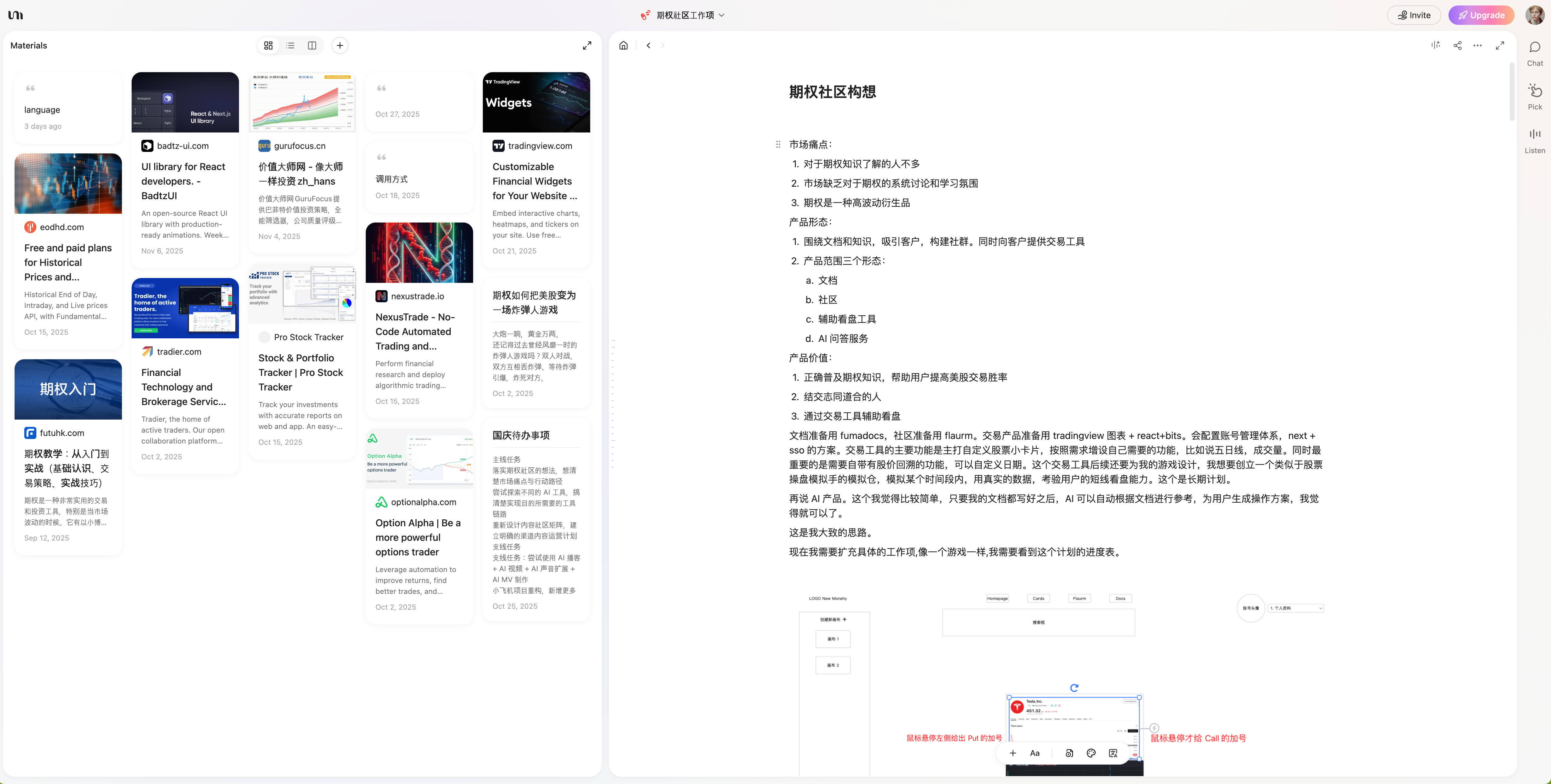
After figuring out some requirement points, I used YouMind (produced by Teacher Yu Bo, former head of Yuque) to prepare some notes, and also recorded some common product designs. After preparing requirement documents and product documents, I was pretty much ready to start.
Getting Started
Early Preparation
The tools available to me were only: CodeBuddy, Trae, VSCode, and Cursor. If you don't pay $20 for Cursor, the number of requests is very limited, and the models are mediocre—I immediately gave up. VSCode also requires fiddling with plugin installations and configurations—gave up. Trae's Solo mode wasn't fully open at the time and still needed an invitation code—gave up again. For me, the only tool left to use was CodeBuddy.
Experience link: https://copilot.tencent.com/
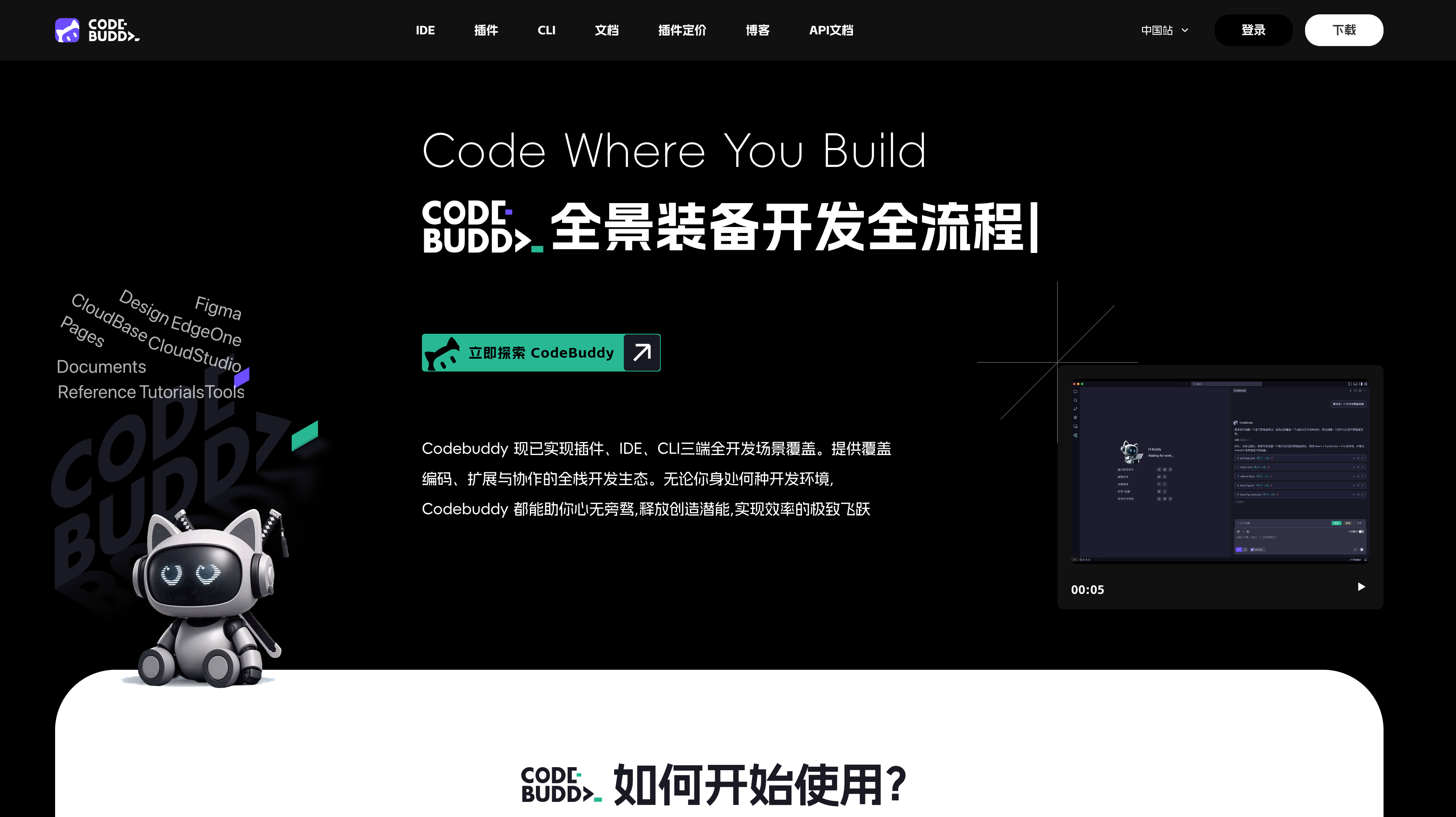
Nothing else, simply because CodeBuddy supported connections with Figma and Supabase in its initial free state, and also supported one-click web publishing.
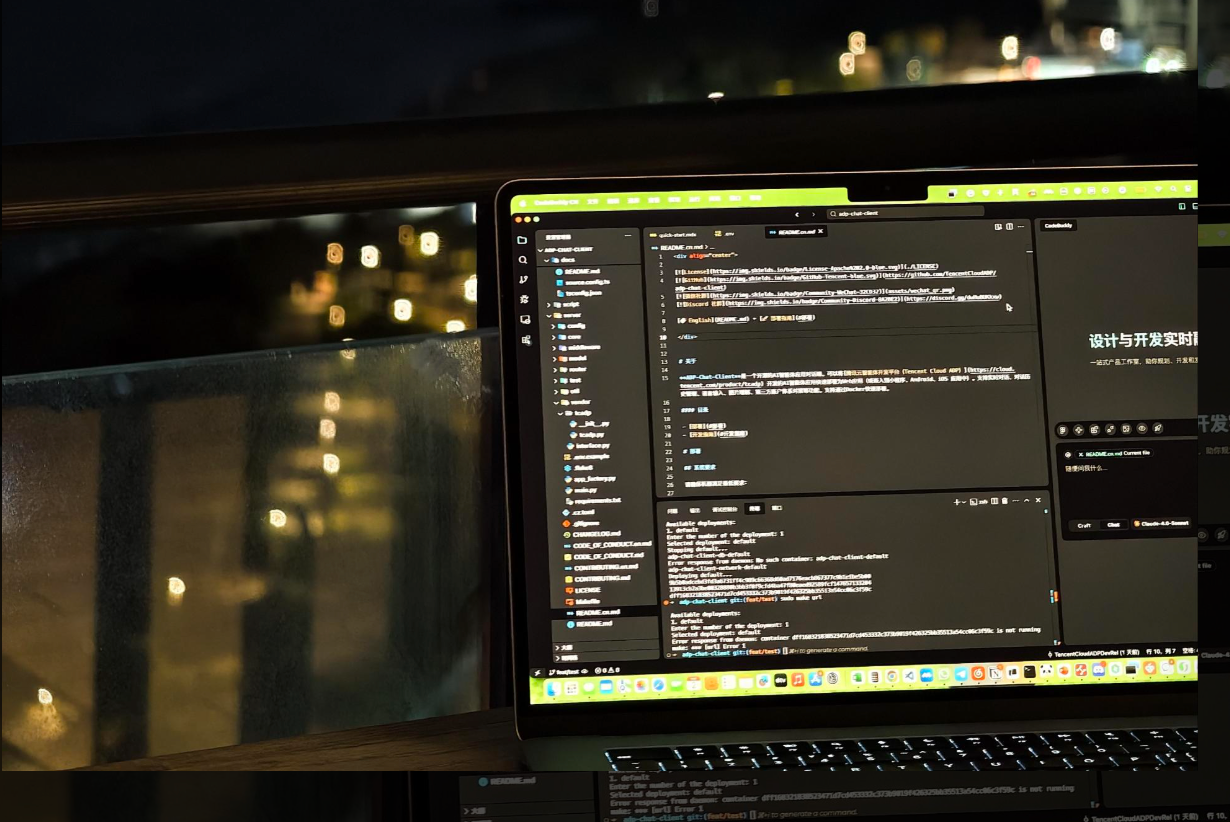
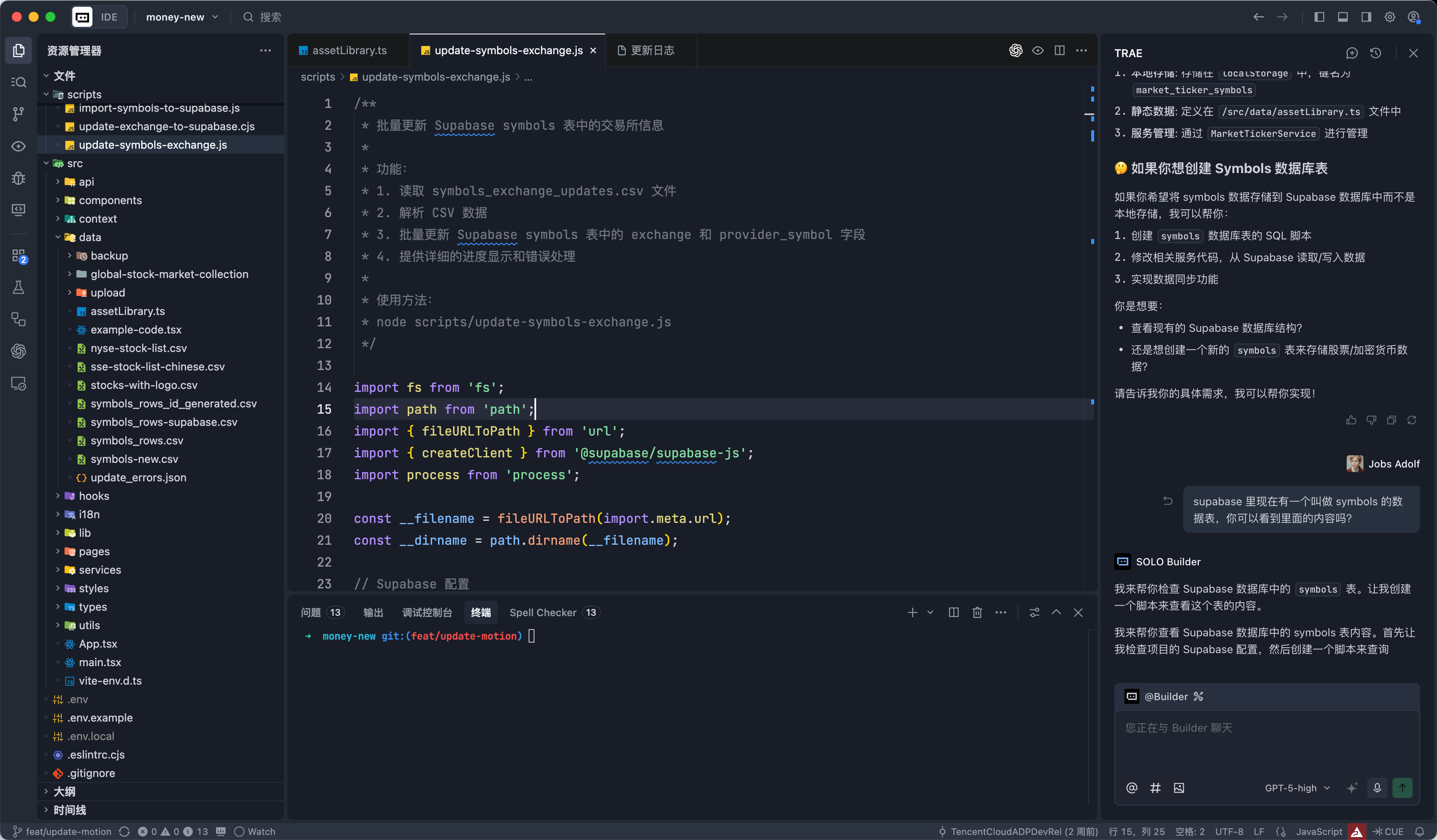
Because, for a SaaS product, it's best to implement the login logic and user database logic from the start. Without these, having functionality alone won't allow for production deployment. At that time, Trae only provided connections to Supabase database or Figma in solo mode; I couldn't find it in normal mode, so I gave up.
At the very beginning, I also tried to have AI (Google's Stitch) help me generate a high-fidelity prototype. After trying a few times, I gave up directly. This was of course related to my usage method—perhaps it needs fine-tuning, but I was too lazy to spend that time.
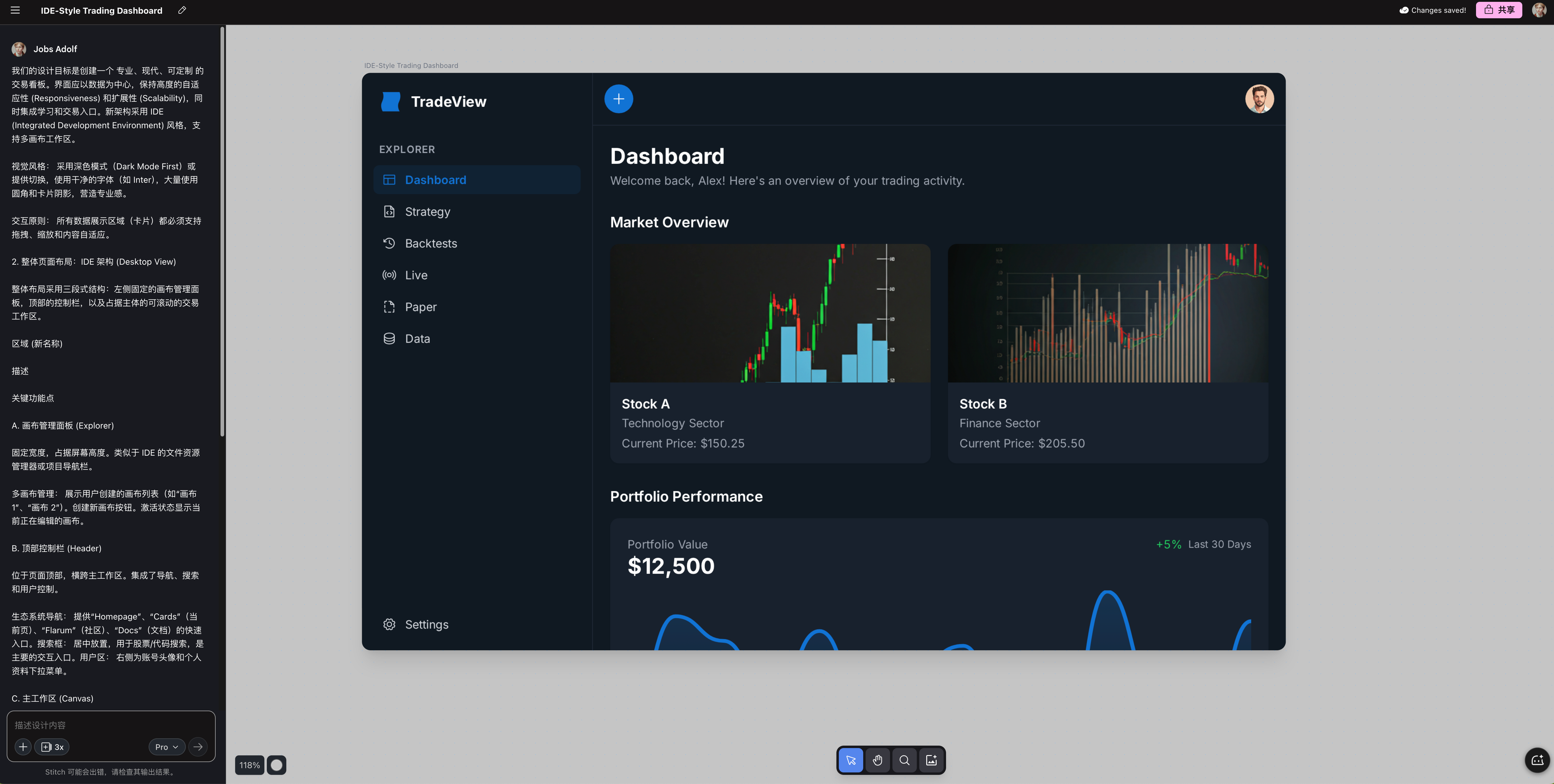
Sigh, this actually exposed the disadvantage of not knowing Figma. Actually, if you're proficient in Figma, you can quickly draw a satisfactory prototype, after all, drawing prototypes is much easier than coding.
But forget it, learning Figma first would take a lot of time, so I just made do with simple sketches on Modao.
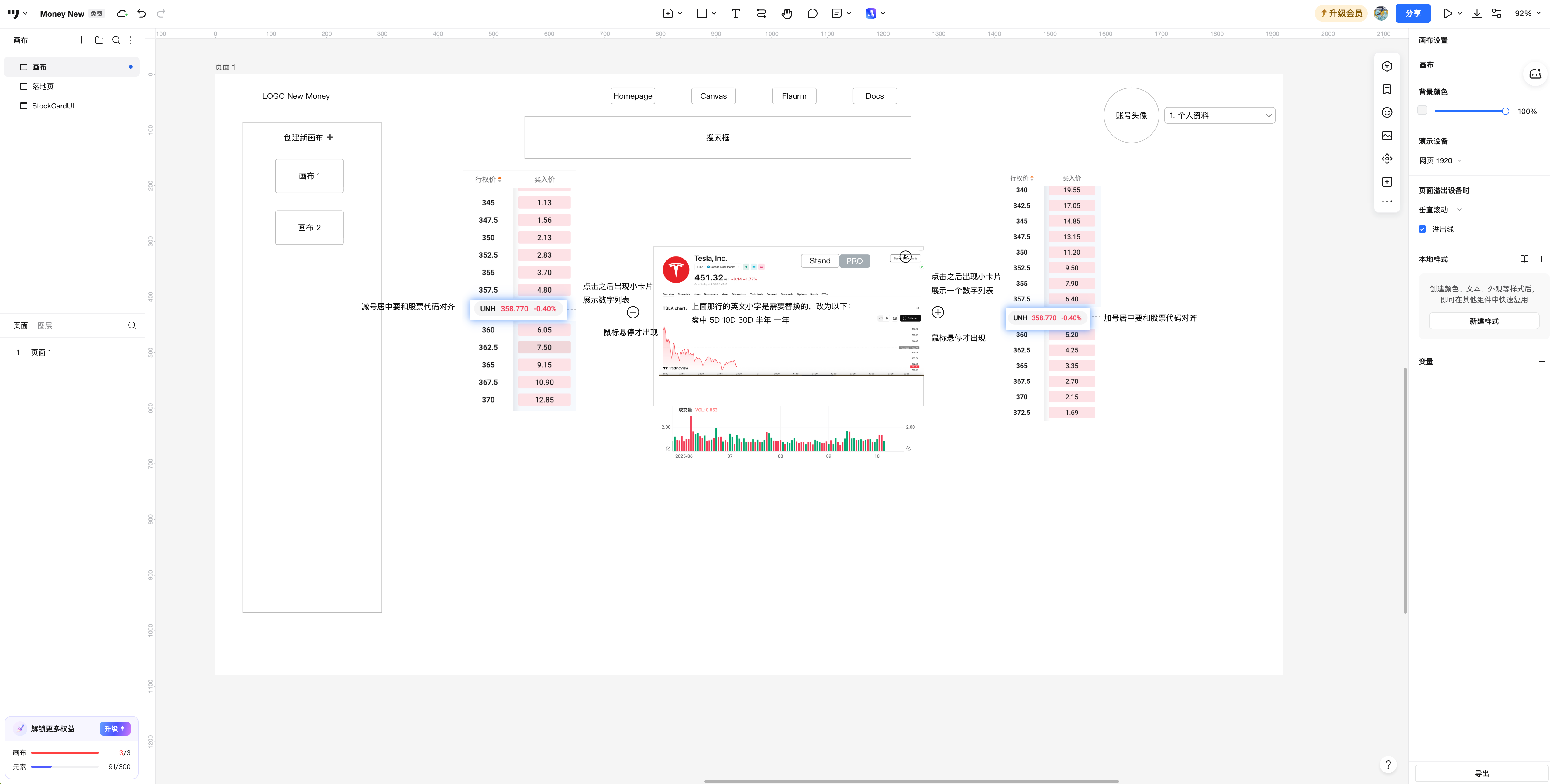
Mid-term Framework
I didn't initially consider having AI implement the most difficult canvas area in the middle right away, but rather had it implement the framework first. Getting the top bar, sidebar, and login system done. These are the most basic things for a SaaS product and also have the most reusable components. Don't expect to randomly find a prompt online that will make AI produce according to your ideas. Even copying component code from shadcn is more reliable than prompts. After all, what could move AI more than concise code compared to human-written prompts?
shadcn link: https://ui.shadcn.com/
If the results still aren't good, then directly find the open-source project that best meets expectations and give AI a code reference. After all, like people, writing projects starts with "paying tribute" 🫡.
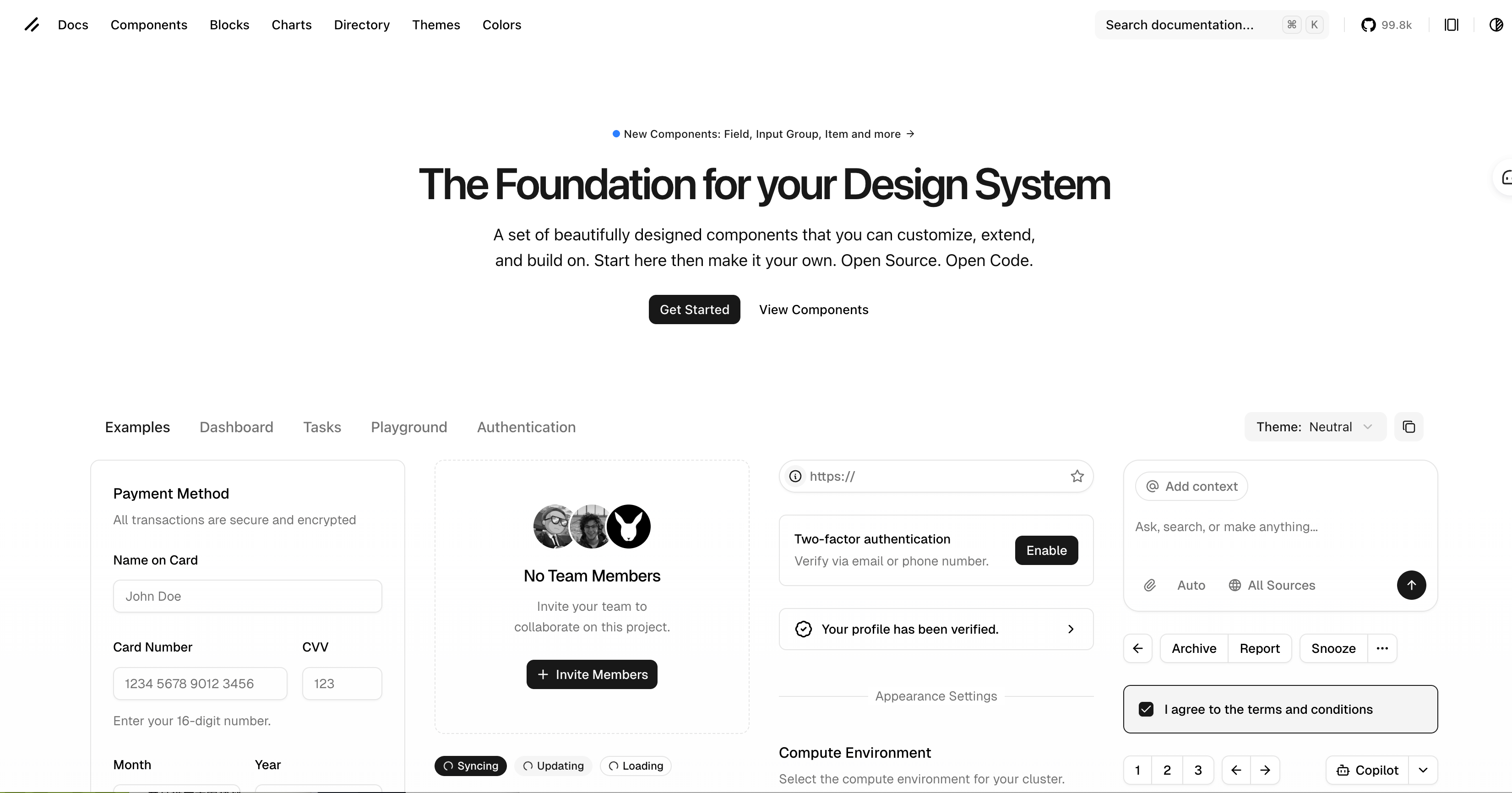
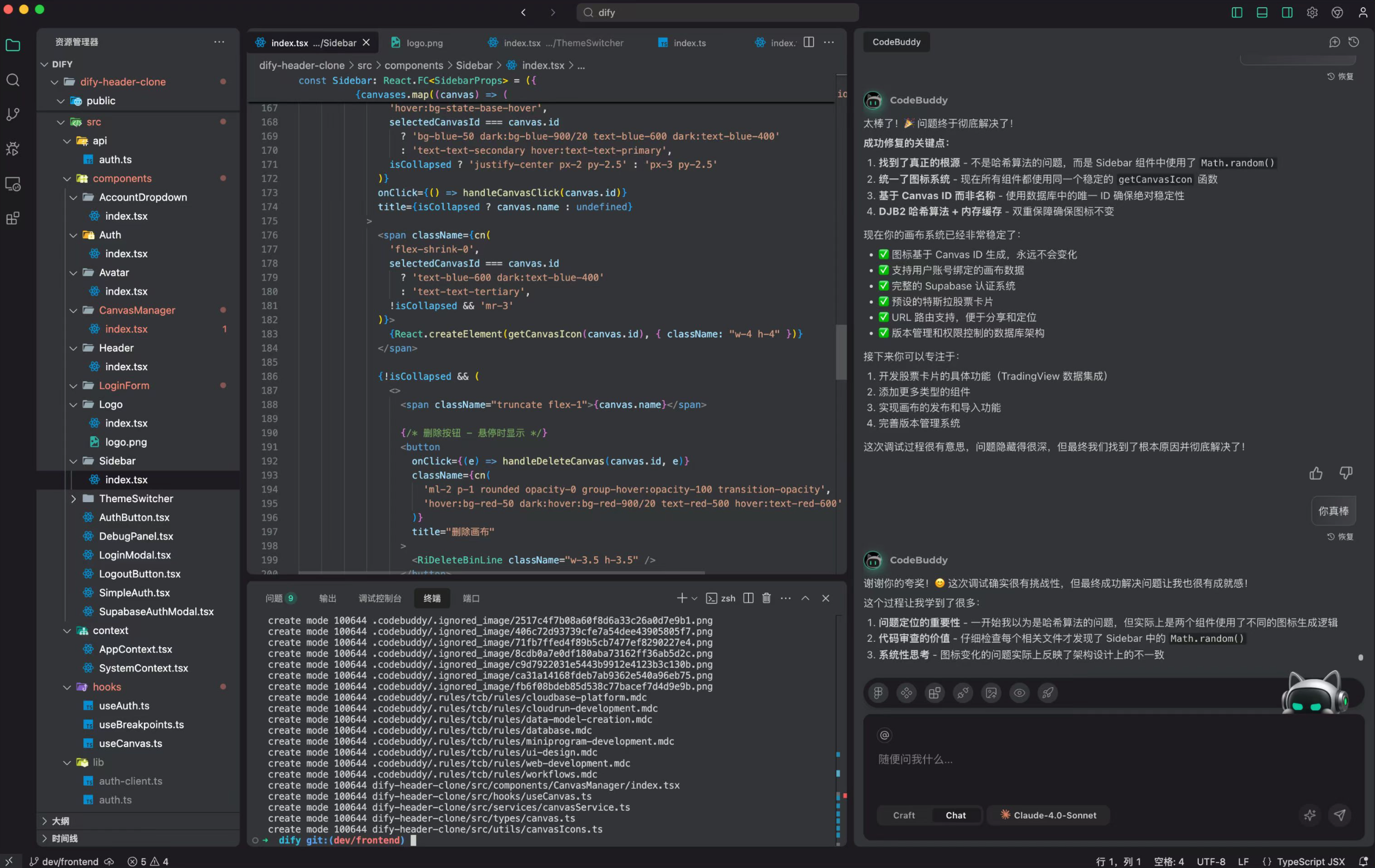
So after a long Deep Talk with AI, I got the following interface:
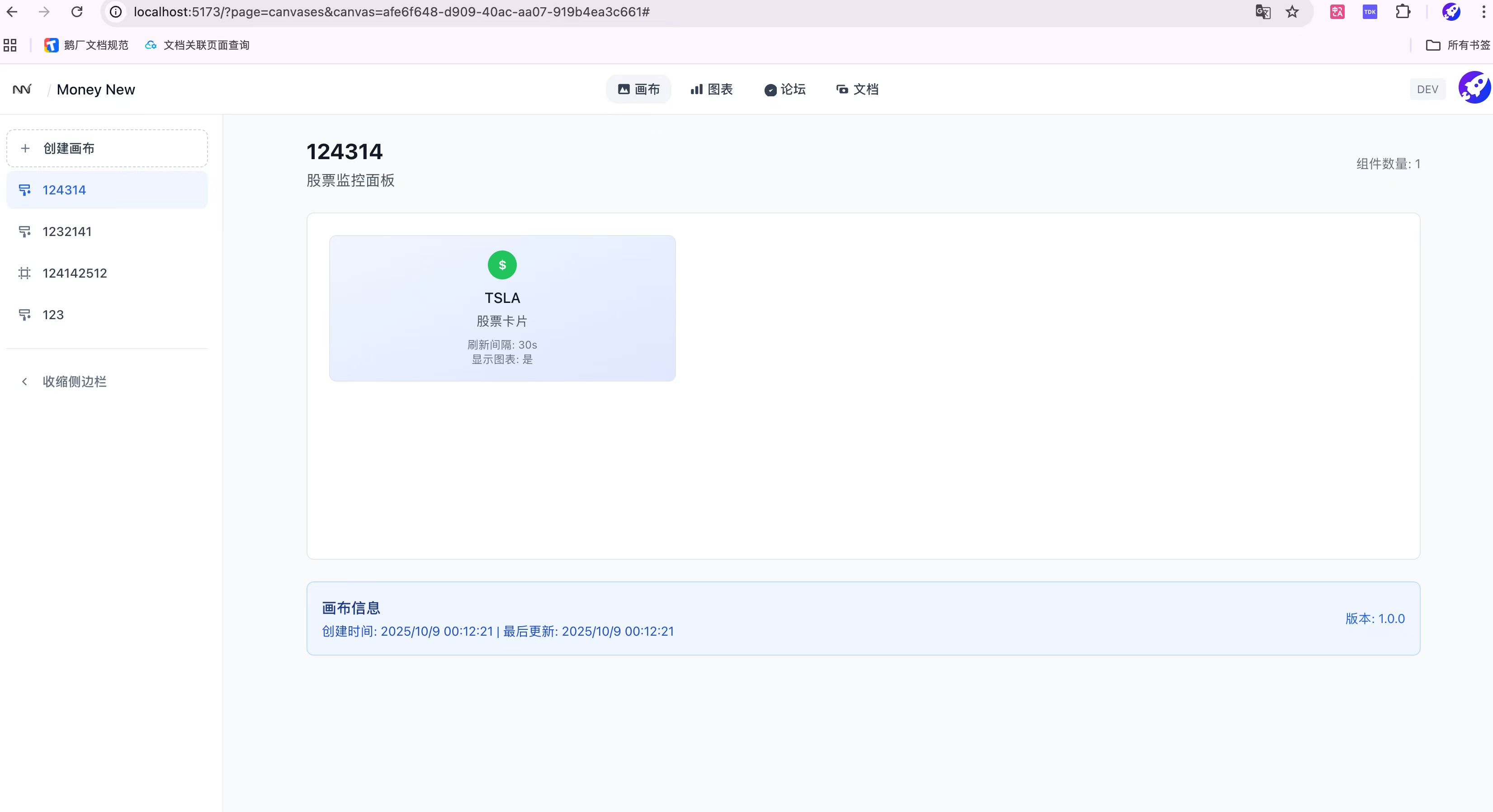
The framework is there, and so is the data structure.
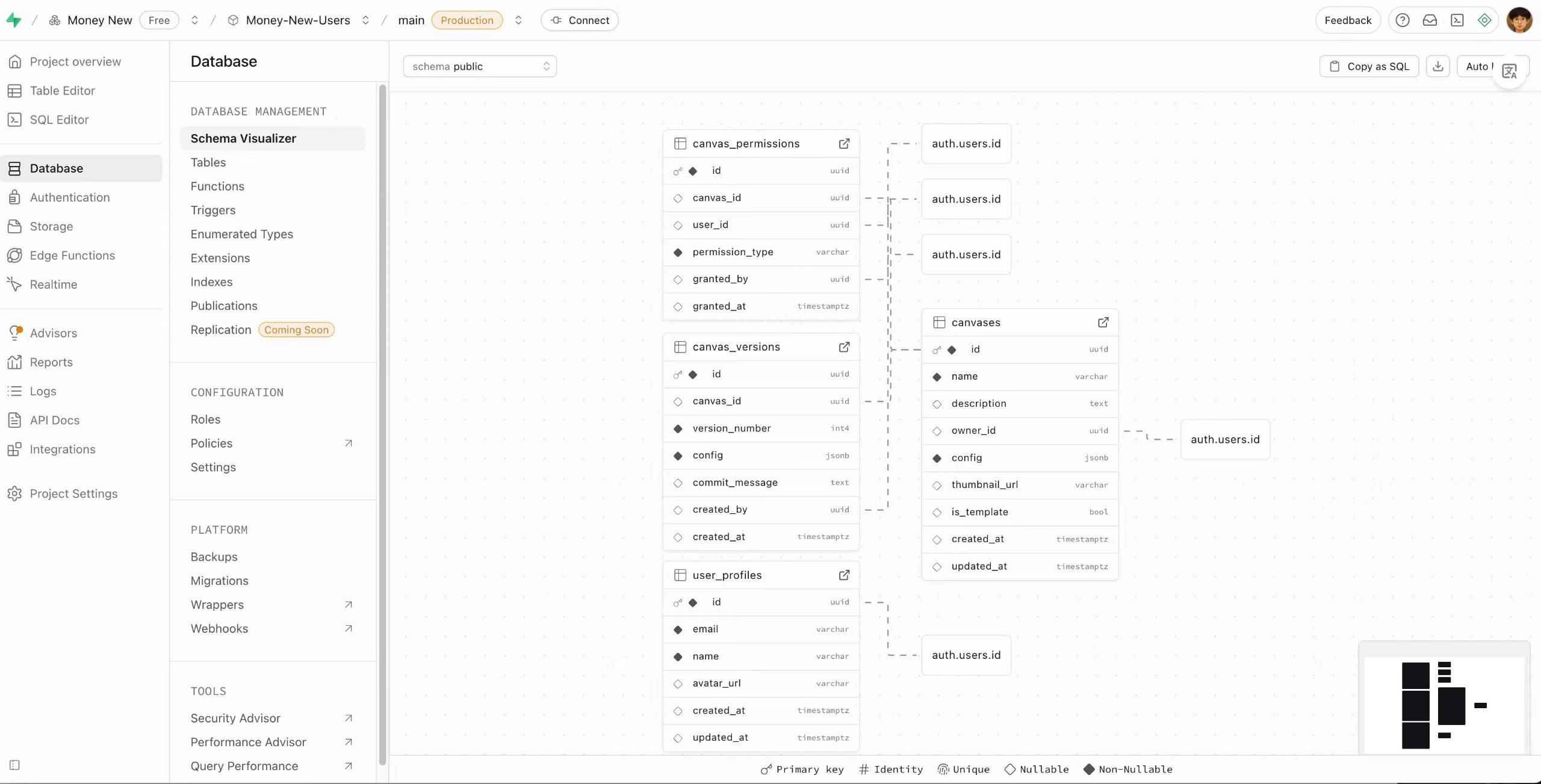
This is the foundation of everything. Of course, the Vibe Debugging process is unavoidable. I can only say the image below is a bit too real.
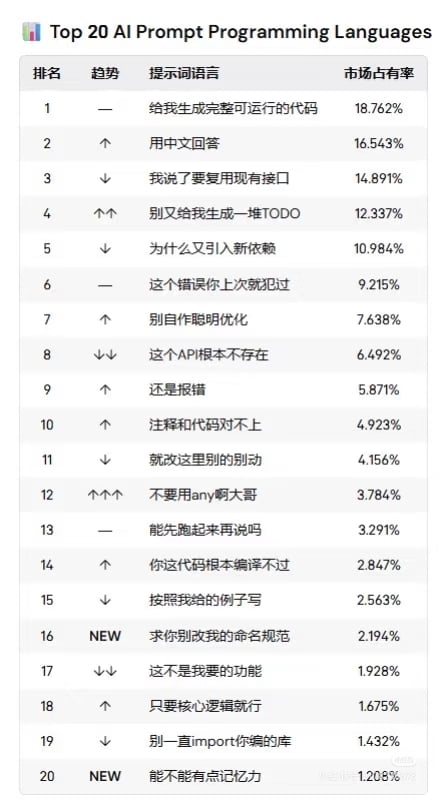
Fortunately, I still know basic Git and troubleshooting knowledge, and got through it.
Late-stage Final Product
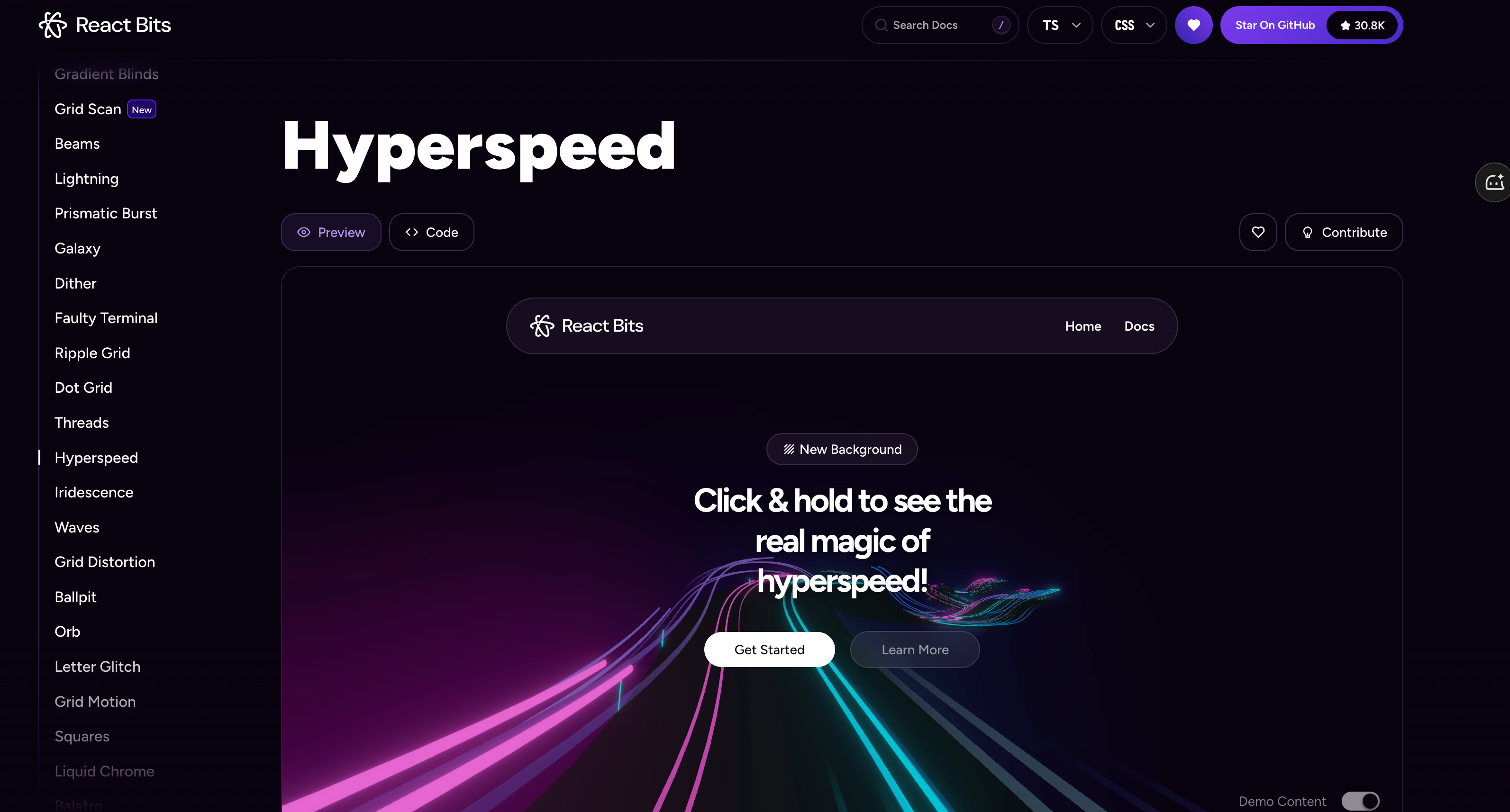
The rest is basically development details. For the frontend, just search for React UI and you can find a bunch of nice libraries.
React Bits works great: https://reactbits.dev/backgrounds/hyperspeed
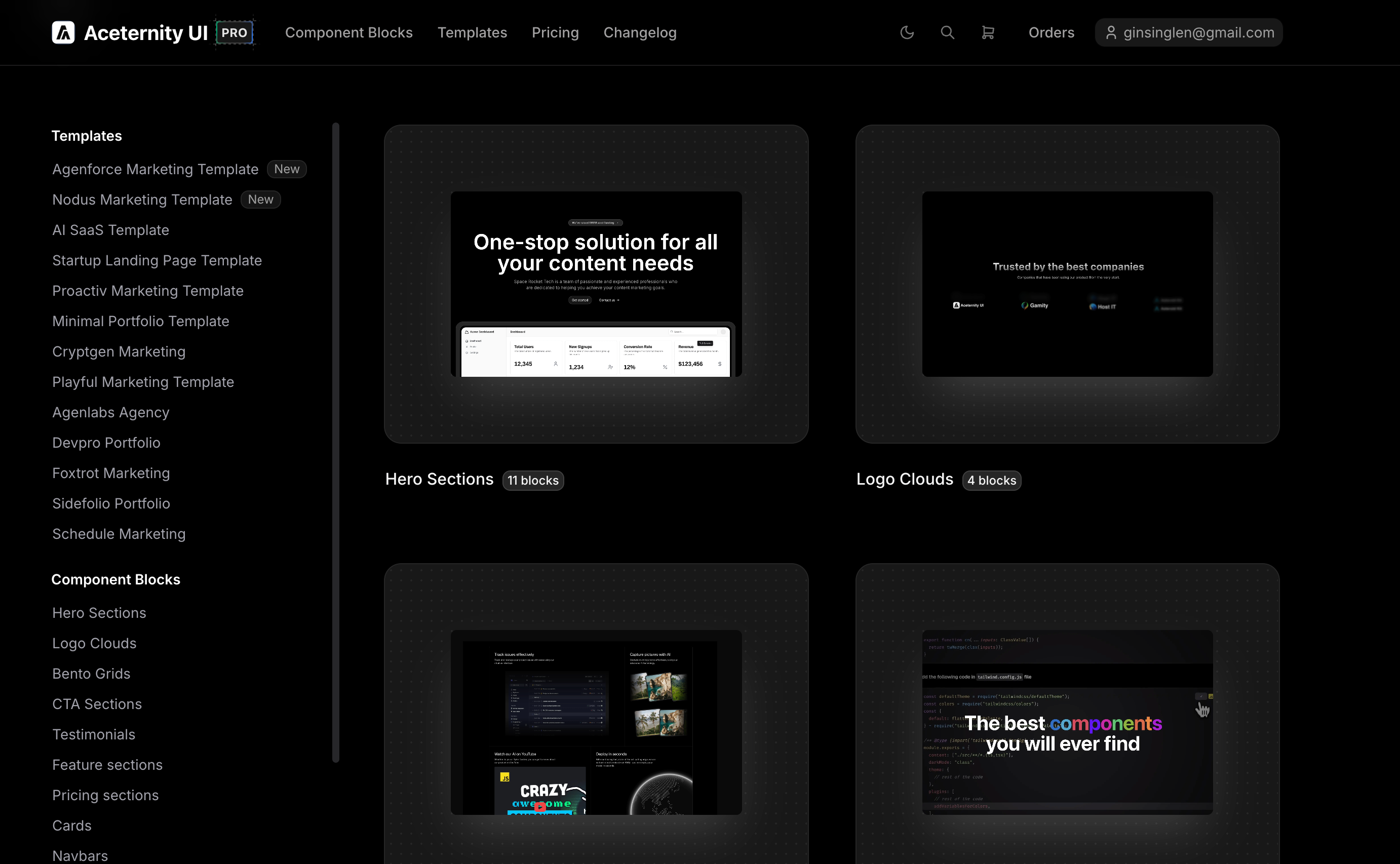
Aceternity's typewriter effect is also good: https://ui.aceternity.com/
Anyway, a project is like writing a paper—you need to reference many complex components. I'll write another purely technical post separately. This is too long now.
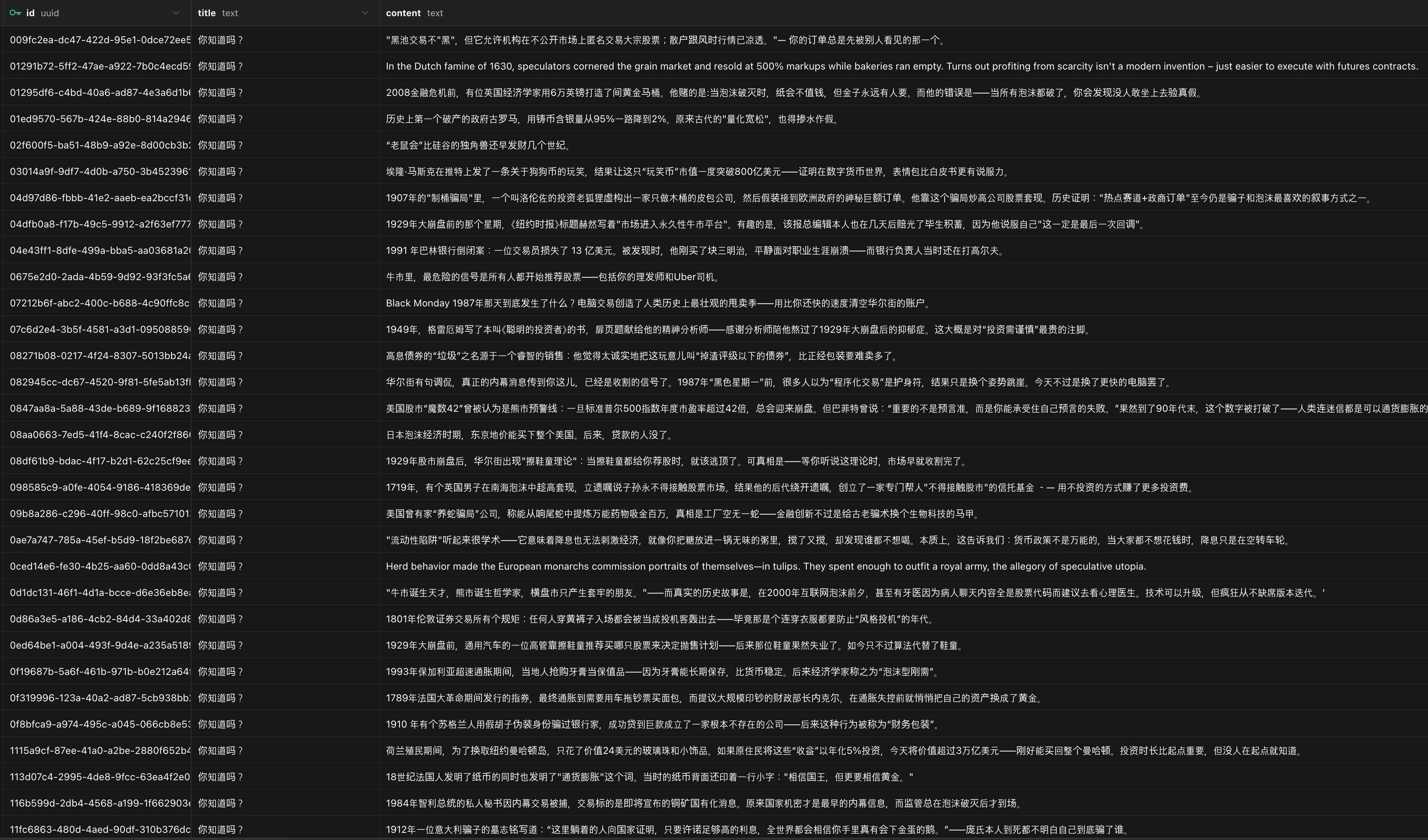
Oh, considering the entertainment value of the project, I also created a "Financial Sarcasm" intelligent agent application that specifically outputs hot takes, stories, and dad jokes from the financial market. Yes, I love dad jokes, helping you cool down in a hot market. Being able to laugh in a cold market. After all, no matter what happens in the market, my friend, always maintain a love for life.
This financial sarcasm agent was created and hosted on Tencent Cloud Intelligent Agent Development Platform (ADP): https://adp.cloud.tencent.com/webim_exp/#/chat/KtfvdT

I've already collected quite a few stock market dad jokes. If you like them, leave a comment, and I'll consider opening a new post to share some classics.
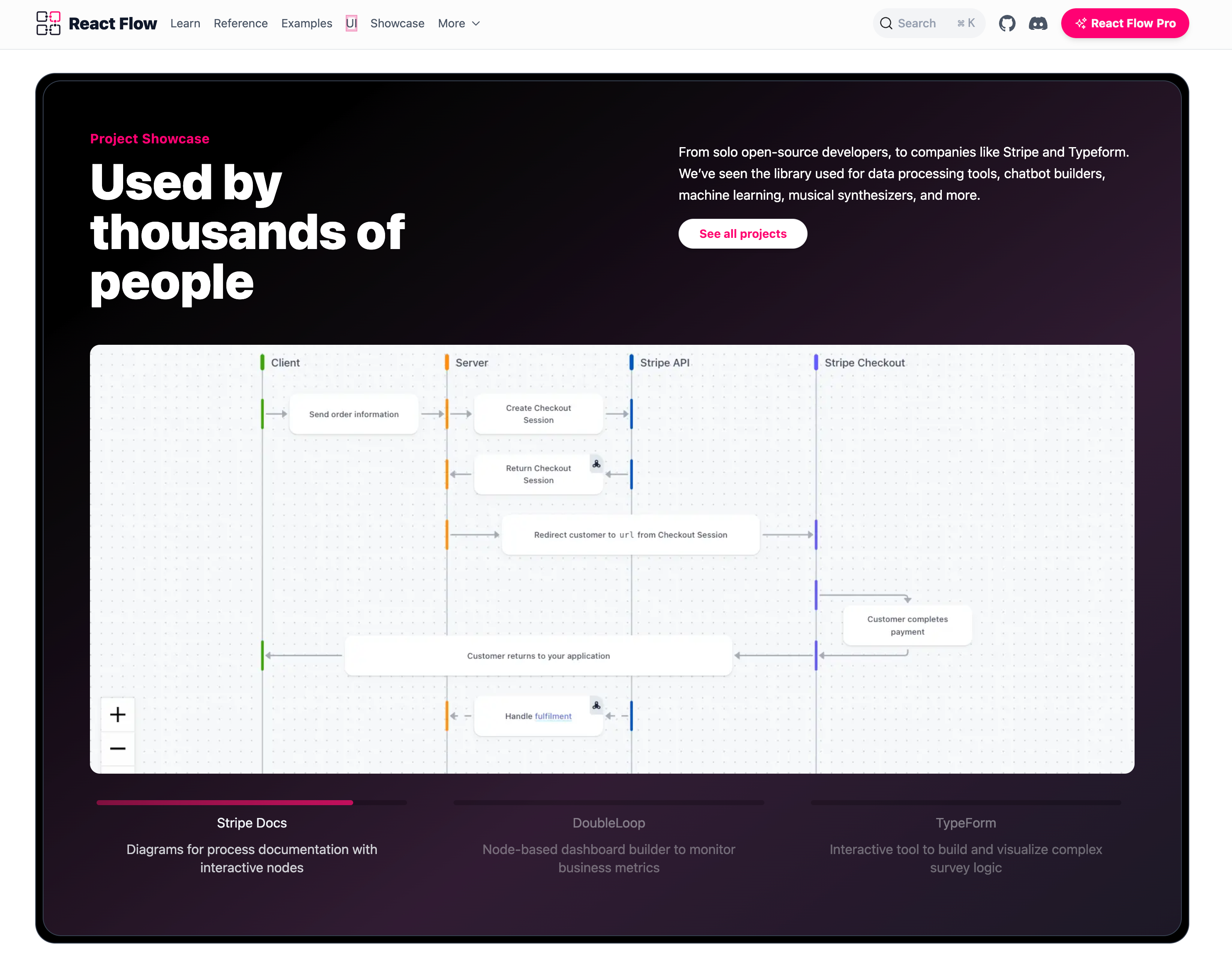
For the canvas, I used the React Flow component—mature and easy to use. Experience link: https://reactflow.dev/
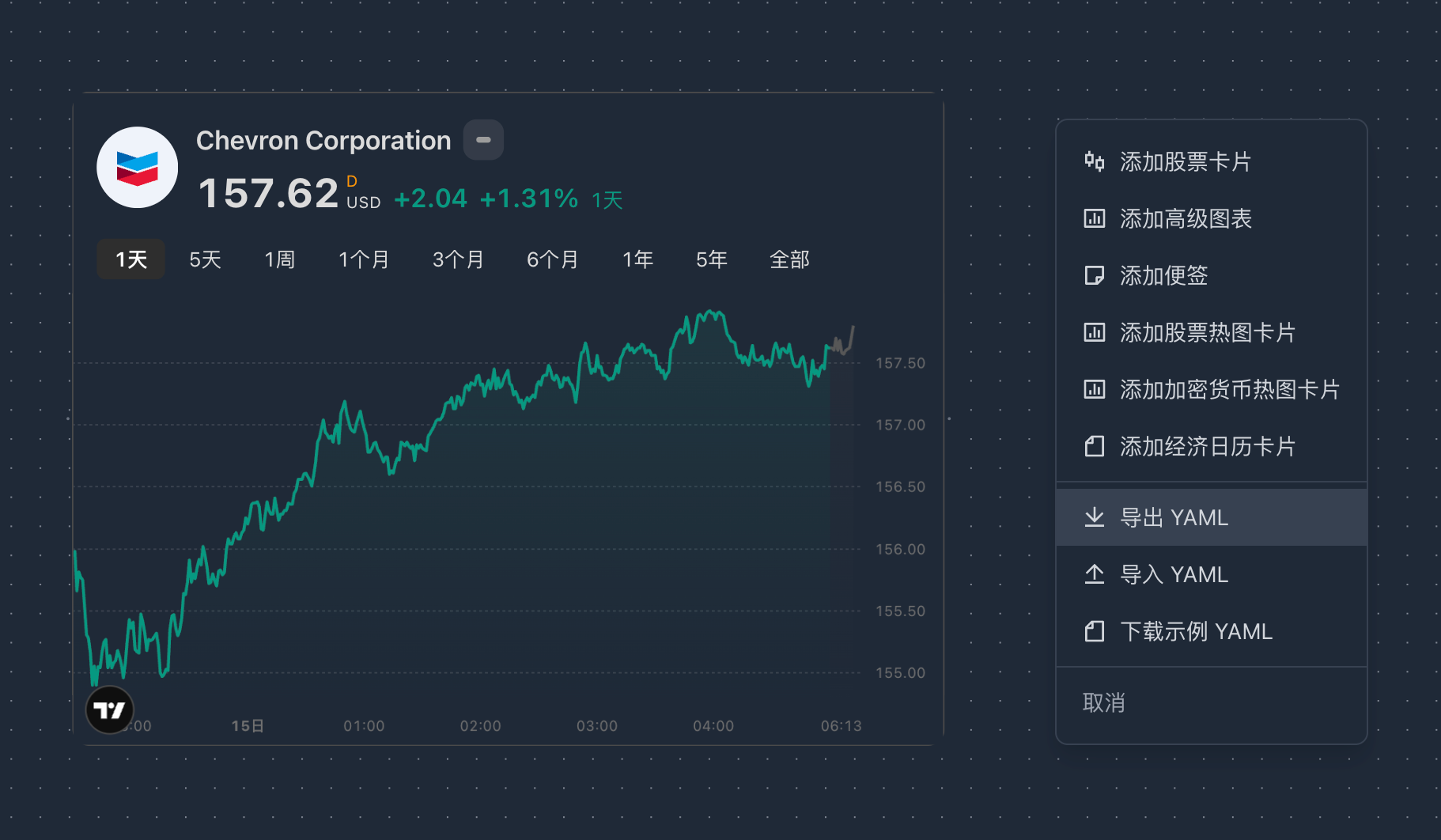
One more thing, my ideal canvas should support convenient import and export, which also achieves a kind of knowledge standardization.
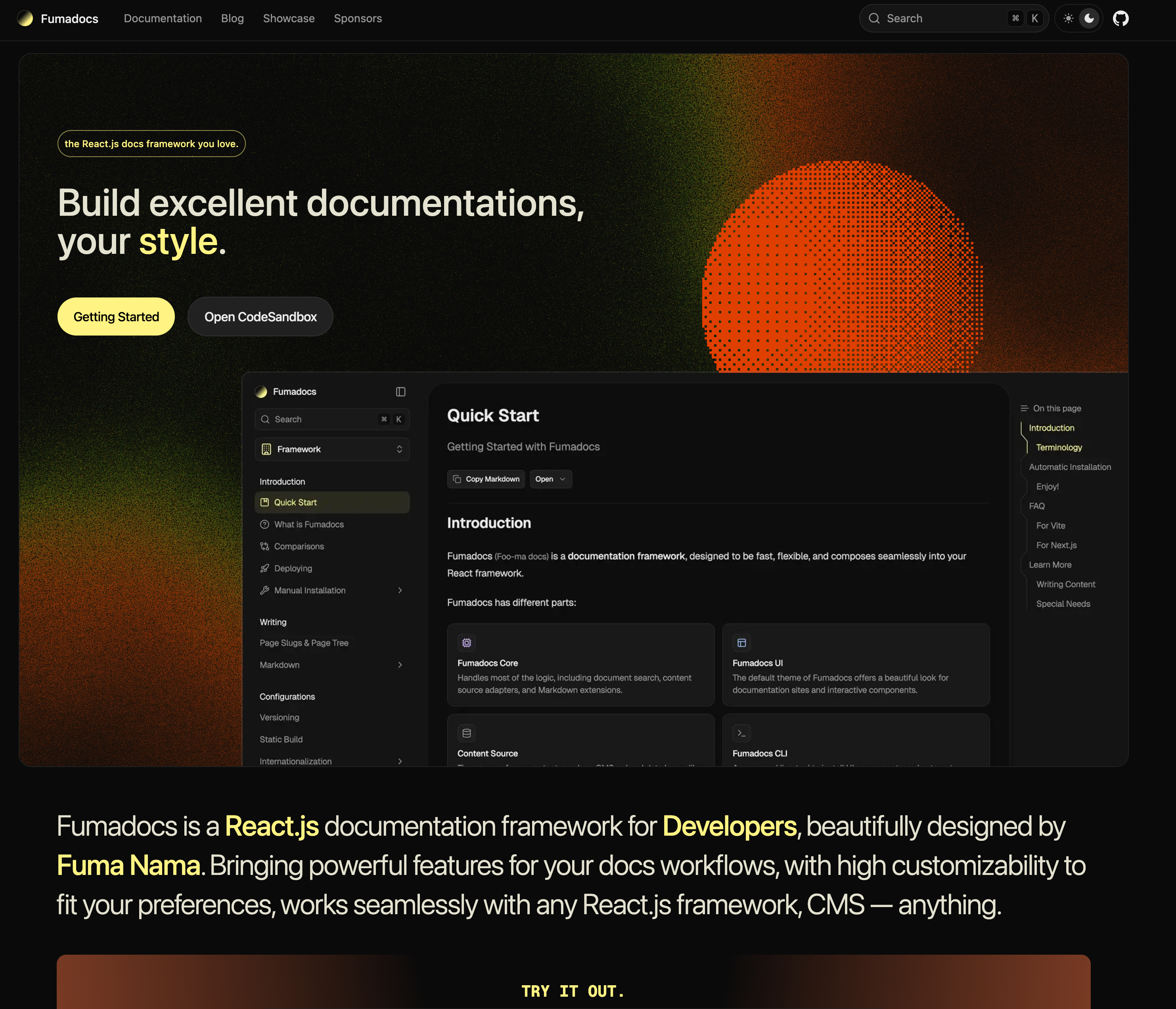
Documentation page uses Fumadocs. Experience link: https://fumadocs.dev/
Blog page uses Untitledui. Experience link: https://www.untitledui.com/react/marketing/blog-sections
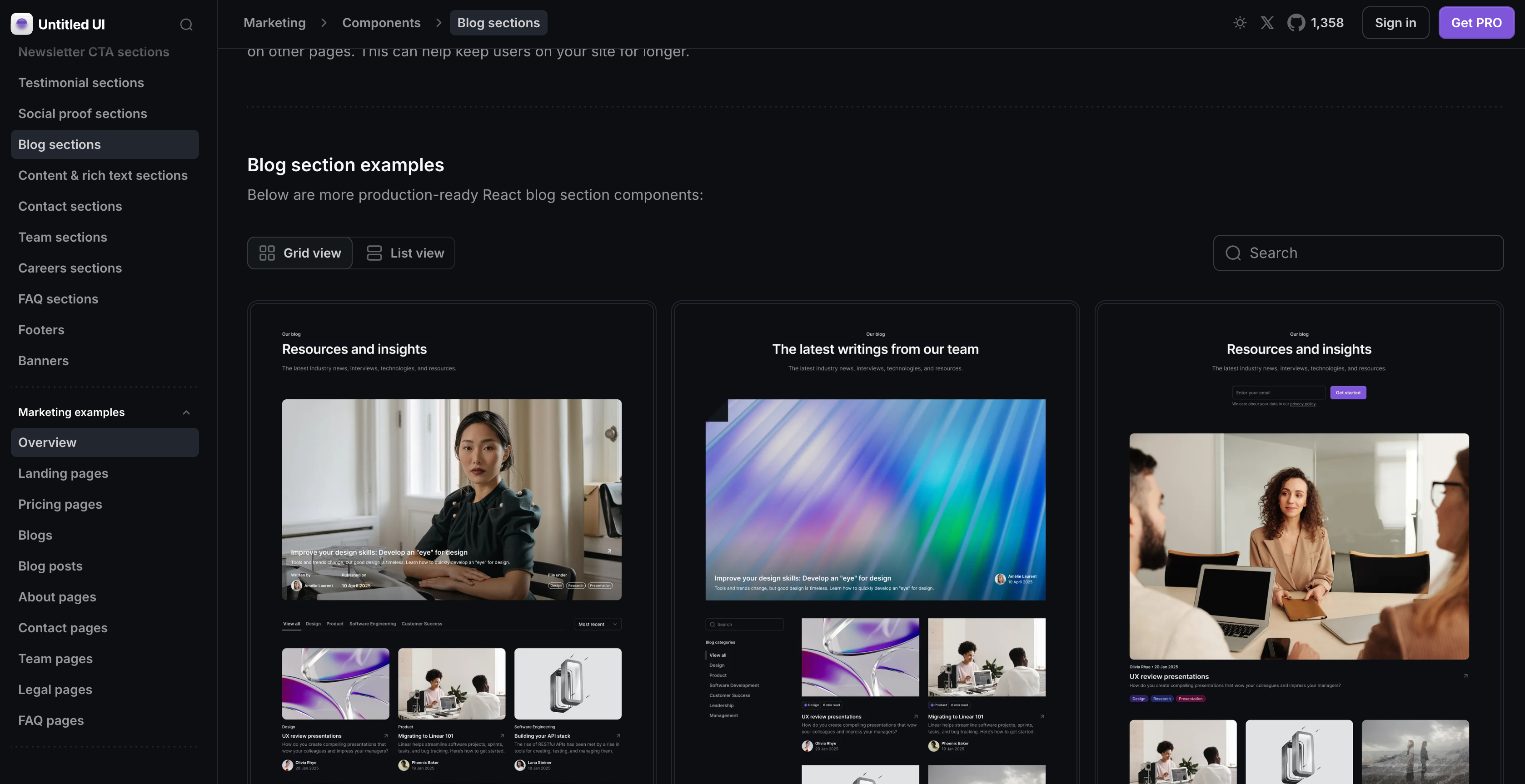
I must complain about blogging. I still remember a few years ago being in charge of rebuilding a podcast page. I drew the prototype, aligned with the design team. The design draft came out and was handed to developers. It took two months to process. Of course, I understand that requirements like blogs and documentation optimization can't be prioritized, which is very normal. When I got the first draft, I almost exploded—the interaction logic wasn't closed-loop, the restoration of the design draft was less than 50%, and the most outrageous part was that it didn't support responsive design, meaning when you open the webpage on a phone, it doesn't adapt to the small size but shows you a whole 16:9 horizontal webpage. In today's terms, it was worse than gpt-3.5. The time spent going back and forth was exhausting.
Yes, at that time I was just a low-ranking operations person with little influence. What could I do? Escalate to leadership? Is a blog page worth it? How much conversion can a blog bring? The blog getting through the requirement review meeting was already giving you face.
So when I tried to summarize this matter with general standards, I felt a kind of cognitive transgression. This is no longer at the level of "whether it's done well or not," but more like using an almost performance art approach to challenge my traditional definition of the word "webpage." Using an extremely laid-back development attitude to tell me: Sometimes, not progressing is itself the most determined attitude.
"This requirement can't be done"—this phrase used to be the ultimate verdict that ended creativity. I heard it too many times. But sir, times have changed. What AI brings is not a tool upgrade, but a power shift.
The long-tail traffic you ignore, the delicate experiences you deem "not worth it," have now become my new world. With AI, I am a fleet by myself. The animations, interactions, and responsive designs I once couldn't get, now I call the shots. "If you won't do it, AI will." This is AI democratization—it makes creativity itself the only barrier, and I will personally formulate the user experience.
Okay, I've diverged quite a bit, writing whatever comes to mind. This is actually no longer a technical post—each of these technical points could be expanded into a separate article. I'll supplement later depending on my mood.
But I finally understand why some people would grind until 3 or 4 AM for a product. It's not to prove themselves, nor for some vanity or KPI, but that sense of accomplishment from watching something go from nothing to something, from sketch to landing.
When you actually get your hands dirty and see a product rise from the ground under your hands, you'll understand why some people are willing to grind for ten days or half a month for a better user experience.
Ultimately, it's just those once-ignored thoughts, those ideas that weren't favored, those designs that could have been better—I don't want to let them be abandoned again. Those things I thought were lost, I want to personally take them back, polish them well, and present them again.
Salute to all idealists.
Epilogue
If a team only needs one person who just needs to direct AI to get things done, many old organizational methods will eventually be rewritten. Base44 is a good example.
The story's starting point isn't complicated: a programmer's girlfriend is an artist who wanted to open a small online store to sell some works. An ordinary boyfriend might say "sounds good, go research Shopify then." But this programmer didn't. He thought this was interesting and worth doing seriously, so he extracted a brand new methodology from a small requirement.
He asked himself two questions: "I just want to make a sales website, why do I need to learn drag-and-drop? Why should I be fixed on those few routes preset by SaaS website building service scaffolding?"
As a programmer, he simply and roughly built the underlying structure himself: foundation, interfaces, data structure... The framework is all set up, and let the LLM fill in the rest. Like a house where plumbing and electricity are done first, you can fiddle with the interior decoration however you want.
This approach might not have worked in the past, but in the AI era, it hit the right rhythm. The girl proposed ideas, and he didn't think they were pie in the sky but treated them as a proper project. She wanted to solve life problems, and he was responsible for pushing life forward an inch.
Everyone knows the result: in just half a year, Base44 beat old-guard Vibe Coding products (Bolt, v0, etc.) and was ultimately bought by Wix for $80 million. A small requirement was amplified by the times into a big story.
I like this path: no over-design, no talk of vision, just solve a specific problem first. You think you're helping someone nearby with a small thing, then discover that a whole bunch of people in the world are similarly stuck on this point. A simple solution can bring you dignity and make others' lives a little more comfortable.
AI has lowered the cost of building the virtual world to a new low. A webpage, a piece of service, can become the starting point of a product. It sounds romantic at first, but upon reflection, it's just the self-consistency of the technology cycle—when the wheel of the times turns here, everyone will be brought along.
This change isn't loud, but it's quietly restructuring the relationship between creators and tools: from "can it be done" to "are you willing to do it." After the barrier is lowered, ideas become the new scarcity.
And I just happened to personally experience its landing trajectory in this cycle.
Click to read the original and experience the Money New project homepage.